10 Best Live Chat Plugins for WordPress That Convert Visitors (2026)
Most live chat reviews are written by people who’ve never actually used them for customer support. This one’s different.
A friend who runs a SaaS startup installed three different live chat plugins in a span of 6 months.
Three.
Each one promised “instant setup” and “seamless integration.” Each one broke something on her site. The first one conflicted with her theme. The second one slowed her site to a crawl. The third one looked like it was designed in 2007 and refused to match her brand colors.
She texted me at 11 PM: “Why is every live chat plugin either ugly, expensive, or both?”
Fair question.
The best live chat plugins 2026 aren’t the ones with the biggest marketing budgets or the fanciest feature lists. They’re the ones that work without requiring a computer science degree to set up.
After testing a dozen live chat solutions over the past four months (yes, really), here’s what actually matters and what’s just noise.
What Makes a Live Chat Plugin Worth Installing

Before we get to the rankings, let’s cut through the marketing nonsense and talk about what matters.
Does it slow your site down? A chat widget that adds 3 seconds to your load time will cost you more conversions than it generates. Speed tests matter.
Can you actually customize it? If your chat widget screams “I’m using a free plugin” because it doesn’t match your brand, that’s a problem.
What’s the real cost? That “$0/month” plugin that charges you per conversation? Do the math on actual usage before you commit.
Does it work on mobile? Over 60% of web traffic is mobile now. If your chat sucks on phones, it sucks.
Will anyone answer support tickets? When your chat breaks during business hours, “we’ll get back to you in 48 hours” doesn’t cut it.
Now the rankings.
Top 10 Best Live Chat Plugins for WordPress
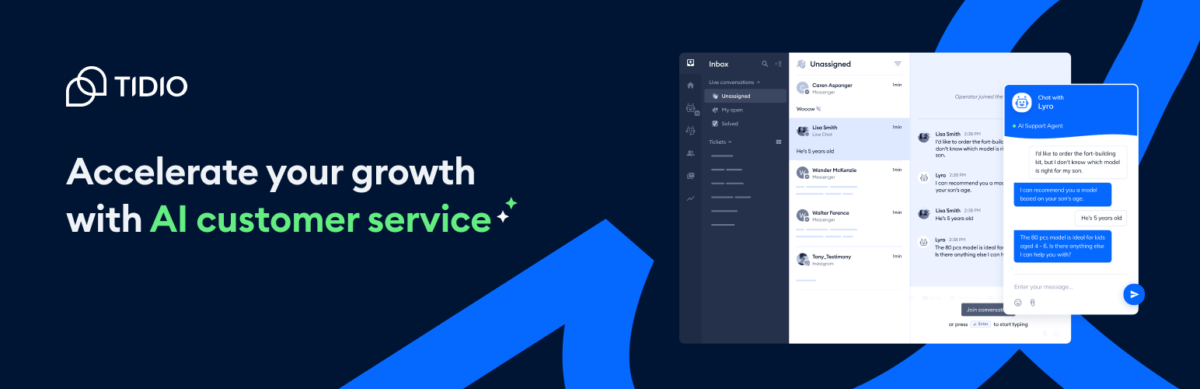
1. Tidio – AI That Doesn’t Sound Like a Robot
Pricing: Free plan (50 conversations/month) | Starter: $24.17/month | Growth: Custom pricing | Lyro AI add-on: $39/month
Here’s something most reviews won’t tell you: Tidio’s AI chatbot (Lyro) works pretty well.
Not “technically functions” works. Actually solves customer problems.
A WooCommerce store owner I consulted for added Tidio with Lyro AI in November. By December, the AI was handling 64% of basic customer questions without human intervention. Product availability questions. Shipping estimates. Return policies. Stuff that used to eat up support time.
What Makes Tidio Different:
The visual flow builder doesn’t require coding. Drag and drop. If someone asks about shipping, show this. If they mention returns, show that. Simple.
Multi-channel inbox. Website chat, Facebook Messenger, Instagram DMs, email. All in one dashboard. Your team isn’t jumping between platforms like caffeinated squirrels.
Pre-built templates that don’t suck. Cart abandonment recovery. Lead generation. Customer support. Just customize and launch.
Honest Drawbacks:
The free plan’s 50 conversations per month sounds generous until you realize “conversation” means any chat where a human responds. High-traffic sites will hit that limit fast.
Pricing can get confusing. Base plan plus Lyro AI add-on plus Flows add-on. Calculate your actual cost before committing.
Mobile app notifications can be delayed. Not a huge deal if you’re at your desk, annoying if you’re relying on mobile responses.
Best For: E-commerce sites, online stores, businesses that want AI automation without the learning curve.
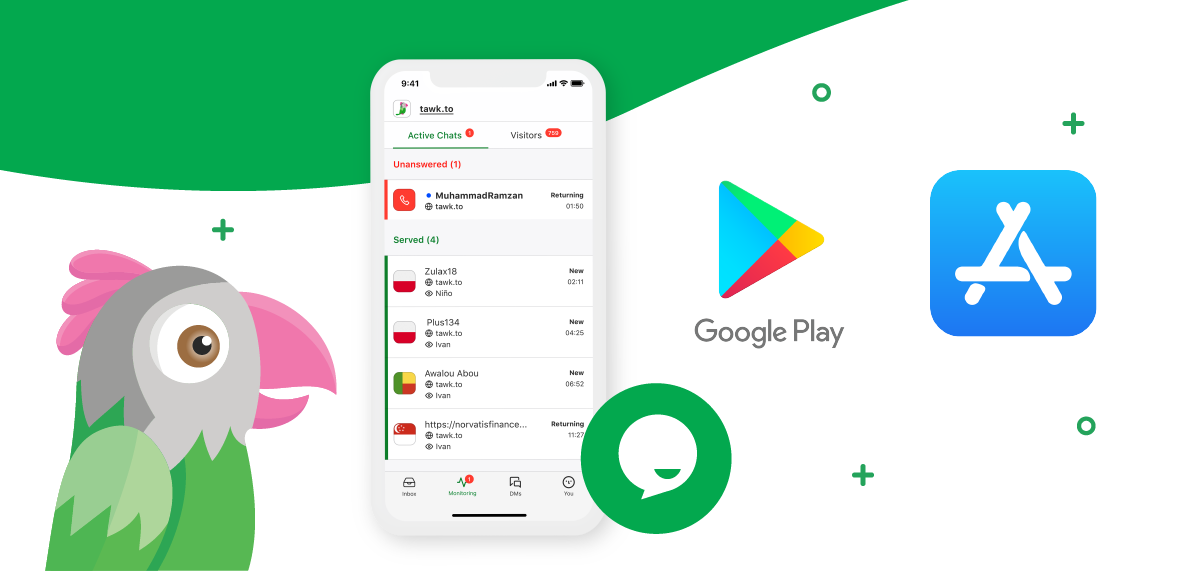
2. tawk.to – Free Forever (Seriously)
Pricing: FREE (unlimited agents, unlimited chats) | Remove branding: $29/month | AI Assist: starting $29/month
Let me be blunt: tawk.to is the most underrated live chat plugin on the market.
It’s 100% free. Not “free trial then pay.” Not “free but crippled.” Actually free with unlimited everything.
Unlimited agents. Unlimited chats. Unlimited websites. Zero dollars.
Why It’s Free:
tawk.to makes money from optional add-ons (removing branding, AI features, and hiring agents at $1/hour) and betting that most users won’t need them.
For small businesses and startups, the free version is genuinely enough.
What You Get for Free:
Live chat widget that’s fully customizable (colors, position, greeting messages).
Ticketing system for follow-ups.
A knowledge base you can build and host.
Real-time visitor monitoring.
Desktop and mobile apps.
Chat history forever.
Reality Check:
The “Powered by tawk.to” branding on the free version bugs some people. Removing it costs $29/month.
The interface isn’t as polished as Tidio or LiveChat. It’s functional, not fancy.
Some users report notification delays and occasional disconnection issues, especially on the mobile app.
Real Scenario:
A nonprofit I helped set up uses tawk.to with five support agents. Zero monthly cost. They handle 200+ chats per month. The free version does everything they need.
Their only complaint? They wish the reporting were more detailed. But for free? They’re not complaining too loudly.
Best For: Bootstrapped startups, small businesses, nonprofits, and anyone who needs live chat without monthly fees eating into their budget.
3. LiveChat – The Enterprise Option That Doesn’t Feel Enterprise
Pricing: Starter: $20/agent/month | Team: $41/agent/month | Business: $59/agent/month | Enterprise: Custom
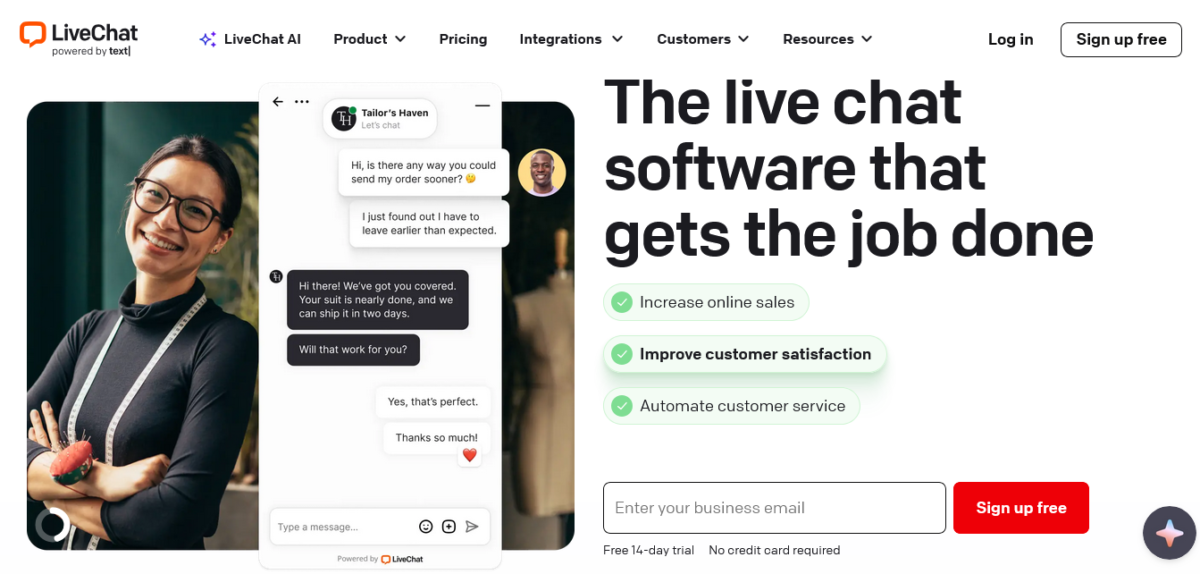
LiveChat is what you graduate to when you outgrow simpler solutions.
It’s used by IKEA, McDonald’s, and 36,000+ other companies that need live chat to just work at scale.
Why Big Companies Use It:
The platform handles hundreds of concurrent chats without breaking a sweat. Tested this with a client during a Black Friday sale. Zero lag. Zero crashes.
Chat routing is sophisticated. Assign chats by department, skill level, or availability. No more “let me transfer you” six times.
Integrates with 200+ tools. Shopify, WooCommerce, HubSpot, Salesforce, Facebook Messenger. If you use it, LiveChat probably connects to it.
User Experience:
Clean interface for both agents and customers. Your team can manage multiple conversations simultaneously without the dashboard feeling cluttered.
Mobile apps are genuinely good. Tested them extensively. Notifications work. Responses are smooth. Doesn’t feel like a crippled desktop experience.
Downside:
No free plan. The Starter plan at $20/agent/month is the entry point, and it’s pretty limited (60-day chat history, basic reporting).
Costs scale quickly with team size. Five agents on the Team plan? That’s $205/month with annual billing.
Some advanced features require the Business plan ($59/agent/month) or higher.
Best For: Mid-sized to large businesses with dedicated support teams. E-commerce sites with high chat volume. Companies that need enterprise reliability.
4. HubSpot Chat – Free If You’re Already Using HubSpot
Pricing: Free with HubSpot CRM | Marketing Hub starts at $20/month
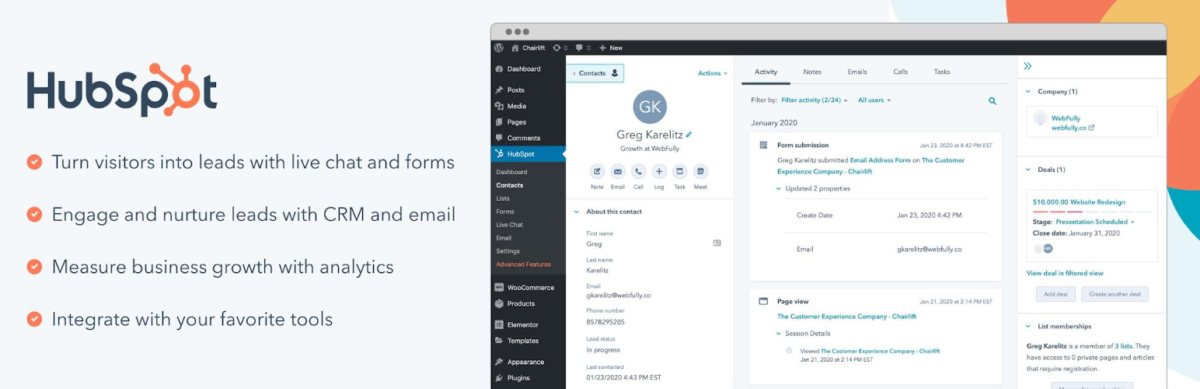
HubSpot Chat isn’t really a standalone live chat plugin. It’s part of the HubSpot ecosystem.
If you’re already using HubSpot CRM (the free version works), adding live chat is dead simple and costs nothing.
What You Get Free:
Live chat widget.
Email capture and conversation routing.
Chatbot builder for basic automation.
Integration with HubSpot CRM (obviously).
Team inbox for managing conversations.
The Catch:
You’re locked into the HubSpot ecosystem. Not necessarily bad, but worth noting.
Advanced features (sophisticated automation, conversation routing, detailed analytics) require paid Marketing Hub or Service Hub plans.
The pricing for HubSpot’s paid tiers scales aggressively. What starts free can become $890/month real fast if you need advanced features.
When It Makes Sense:
You’re already using HubSpot for CRM or marketing.
You want a live chat that automatically logs conversations to contact records.
You plan to eventually invest in HubSpot’s paid tools.
When It Doesn’t Make Sense
You want a standalone live chat without CRM attachment.
You’re managing customer data elsewhere and don’t want to switch.
5. Crisp – The Beautiful Chat Widget
Pricing: Free (2 seats, basic features) | Pro: $25/month per workspace | Unlimited: $95/month per workspace
Crisp wins the beauty contest.
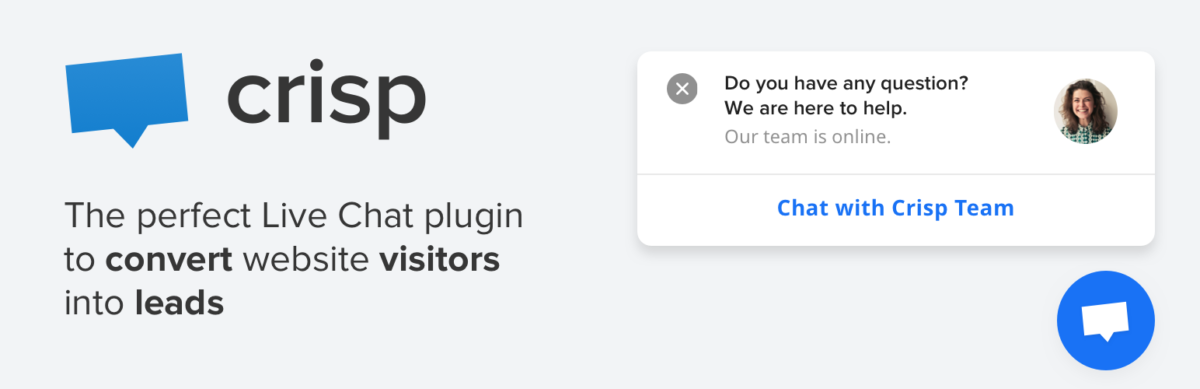
If aesthetics matter to you (and they should, because first impressions matter), Crisp’s chat interface is gorgeous.
What Makes Crisp Stand Out:
The chat widget is genuinely beautiful. Modern design. Smooth animations. Looks premium even on the free plan.
The co-browsing feature lets support agents see exactly what the customer sees. Invaluable for troubleshooting.
Shared inbox philosophy. Email, chat, Facebook Messenger, Instagram, WhatsApp. Everything in one place.
Features:
Live typing preview. See what customers are typing before they hit send. Prepare your response in advance.
Chatbot automation with a visual builder.
Knowledge base integration.
Visitor info and real-time activity tracking.
Limitations:
The free plan is limited to 2 seats. Small teams only.
The pricing jump from Free to Pro ($25/month per workspace) can be steep for solo operators.
Some users report that the mobile app isn’t as polished as the desktop experience.
Best For: Design-conscious businesses. Teams that value aesthetics alongside functionality. Customer support teams managing multi-channel conversations.
6. JivoChat – Multi-Channel Beast
Pricing: Free (5 agents) | Professional: $19/agent/month
JivoChat is the multi-channel champion.
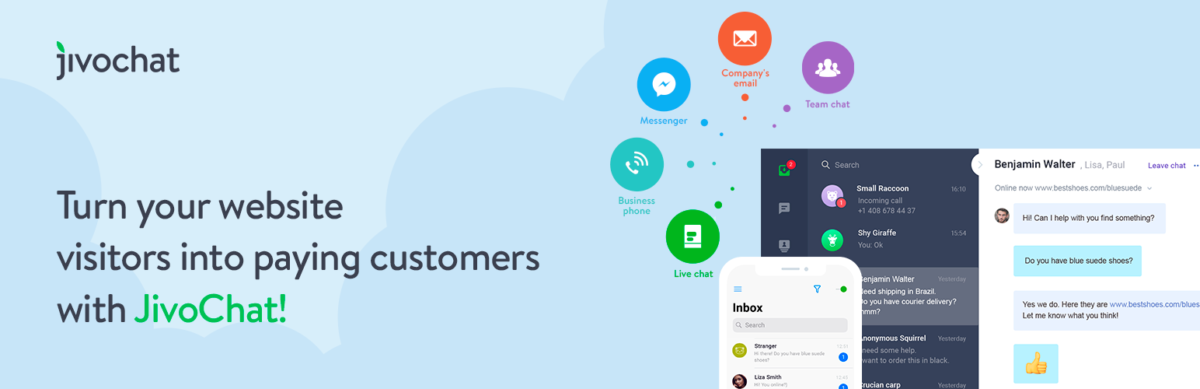
Website chat, phone calls, Facebook, Instagram, WhatsApp, email, and Apple Business Chat. All managed from one interface.
Why People Love It:
The free plan includes 5 agents. That’s generous compared to most competitors.
Phone integration is built in. Customers can call you directly through the chat widget.
Proactive chat invitations based on visitor behavior. Someone’s been on your pricing page for 2 minutes? Trigger a chat offer.
Trade-Offs:
Interface feels busy. Lots of features mean lots of buttons and options.
The phone feature quality varies by region. Works great in some countries, spotty in others.
Customization options are more limited than Tidio or LiveChat.
Best For: Businesses that need voice call integration with live chat. Multi-channel support teams. E-commerce sites that want proactive engagement.
7. Olark – Simple and Straightforward
Pricing: Standard: $29/agent/month
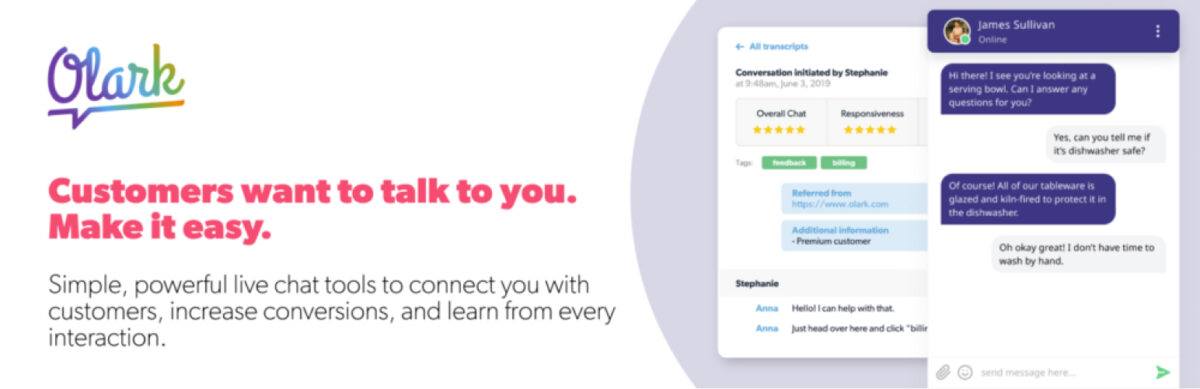
Olark is the Honda Civic of live chat plugins. Reliable. Not flashy. Gets the job done.
What It Does Well:
Simple setup. Install plugin. Configure basic settings. Start chatting. No steep learning curve.
Unlimited chats on all plans.
Good reporting and transcripts for analyzing conversations.
Automation rules for routing and triggering chats.
What It Doesn’t Do:
No free plan. $29/agent/month minimum.
Features feel basic compared to newer competitors.
No built-in chatbot or AI automation (requires third-party integrations).
Best For: Small teams that want simplicity over bells and whistles.
8. Zendesk Chat – If You’re Already on Zendesk

Pricing: Part of Zendesk Suite starting at $55/agent/month
Zendesk Chat (formerly Zopim) makes sense if you’re already using Zendesk for support ticketing.
The Integration:
Seamless connection with Zendesk tickets, knowledge base, and customer data.
Conversations can escalate to tickets without losing context.
Unified reporting across all support channels.
Problem:
It’s expensive. $55/agent/month minimum as part of the Suite.
You’re paying for Zendesk’s entire ecosystem, not just chat.
The WordPress plugin integration feels like an afterthought compared to native platforms.
Best For: Companies already invested in Zendesk who need to add live chat.
Not For: Anyone looking for a standalone live chat.
9. Formilla – The Underdog
Pricing: Free (limited) | Premium: $24.99/month (1 agent) | Growth: $79.99/month (5 agents)
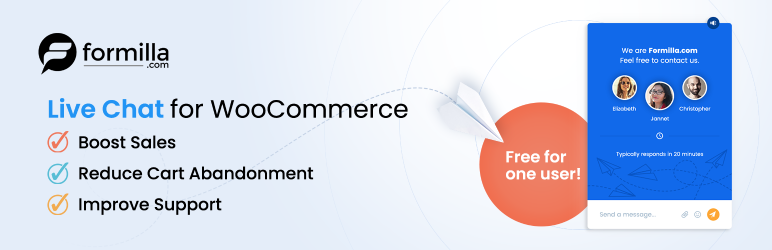
Formilla isn’t as well-known as Tidio or LiveChat, but it has a loyal following.
What’s Unique:
Direct CSS editing for advanced customization. Developers love this.
AI chatbots are included on the Premium plan.
Email marketing features are built in.
Downside:
The free plan is very limited (1 agent, Formilla branding, basic features).
Interface feels dated compared to modern competitors.
A smaller user base means fewer integrations and community resources.
Best For: Developers who want deep customization control.
10. Intercom – For When Budget Isn’t a Concern

Pricing: Starts around $74/month, scales significantly
Intercom is powerful. It’s also expensive as hell.
Why It’s On This List:
Product tours, targeted messaging, sophisticated automation, and detailed analytics. It does everything.
Used by major SaaS companies for customer engagement and support.
Why It’s #10:
The pricing is prohibitive for most small to mid-sized businesses.
The massive feature set has a steep learning curve.
You’re paying for way more than just live chat.
Best For: Well-funded SaaS companies and enterprises with complex customer engagement needs.
Not For: Small businesses, bootstrapped startups, anyone watching their budget.
How to Choose the Right Live Chat Plugin
Here’s the truth: the best live chat plugins depend entirely on your situation.
Pick Tidio: If you want AI automation, multi-channel support, and don’t mind paying for advanced features.
Pick tawk.to: If you need a full-featured solution for $0/month and can live with less polish.
Pick LiveChat if: You’re a growing business with a support team and need enterprise-grade reliability.
Pick HubSpot Chat if: You’re already using HubSpot and want seamless CRM integration.
Pick Crisp if: Aesthetics matter and you need multi-channel messaging with a beautiful interface.
Mistakes Everyone Makes
Installing multiple chat plugins. Pick one. Installing three “to compare” slows your site and confuses visitors.
Ignoring mobile experience. Test the chat widget on actual phones before launching. Desktop looks aren’t enough.
Not testing notification systems. If your team doesn’t get alerted to new chats, the plugin is useless.
Forgetting about conversation limits. That “unlimited” free plan? Check if it’s really unlimited or caps conversations/agents/features.
Skipping the trial period. Most plugins offer free trials. Use them. Test with real traffic.
My Actual Setup
I currently use Tidio. Switched from tawk.to about six months ago because I needed better AI automation, and the analytics were more detailed.
The free tawk.to version worked perfectly fine. I upgraded because my needs changed, not because tawk.to failed.
For client sites:
Small businesses/startups → tawk.to (the free version usually covers their needs)
E-commerce stores → Tidio (cart abandonment recovery alone justifies the cost)
Teams already on HubSpot → HubSpot Chat (obvious choice)
Design-focused brands → Crisp (the interface matches their aesthetic standards)
Final Thoughts
The best live chat plugins 2026 won’t magically increase your conversions.
But the right one will make it easier for customers to reach you. It’ll reduce response times. It’ll catch leads before they bounce.
For most small businesses and startups reading this, tawk.to is the smart starting point. It’s free, it works, and you can always upgrade later.
If you need AI automation and can budget $25-40/month, Tidio delivers serious value.
If you’re running a larger operation with a support team, LiveChat is worth the investment.
Pick one. Set it up properly. Train your team to actually respond to chats.
The plugin doesn’t matter if nobody’s answering.
Want more honest tool roundups and reviews?
👉 Subscribe to Blog Recode’s newsletter
FAQs
What’s the best free live chat plugin for WordPress in 2026?
Tawk.to is the best completely free live chat plugin. Unlike “freemium” options that limit features, tawk.to offer unlimited agents, unlimited chats, and unlimited websites at zero cost. The only limitation is the “Powered by tawk.to” branding (removable for $29/month).
Tidio offers a solid free plan too, but caps you at 50 conversations per month, which many sites exceed quickly.
Do live chat plugins slow down WordPress sites?
It depends on the plugin. Lightweight options like tawk.to and Crisp add minimal load because they load asynchronously. Feature-heavy plugins with lots of tracking can slow sites if not optimized.
Always run speed tests (GTmetrix or PageSpeed Insights) before and after installation.
Most modern chat plugins load after your main content, so the impact is minimal if implemented correctly.
Can I use live chat without being online 24/7?
Yes. Most plugins offer offline modes where the chat widget becomes a contact form when you’re unavailable.
Some (like Tidio and HubSpot) offer chatbots that answer common questions 24/7, even when your team is offline. Tawk.to even offers hired agents for $1/hour if you want 24/7 human coverage without hiring full-time staff.
Which live chat plugin works best with WooCommerce?
Tidio and JivoChat both have excellent WooCommerce integration. Tidio can trigger automated messages based on cart value, send cart abandonment recovery messages, and answer product questions through AI. LiveChat also integrates well with WooCommerce, but costs more.
For budget-conscious stores, tawk.to works fine with WooCommerce, though integration isn’t as deep.
How much do live chat plugins really cost?
Real costs vary wildly. tawk.to is genuinely $0/month for core features. Tidio ranges from free (limited) to $24-40/month for useful features plus add-ons.
LiveChat starts at $20/agent/month (annual billing). HubSpot Chat is free with HubSpot CRM, but paid tiers start at $20/month.
Calculate based on your team size, conversation volume, and required features, not just the advertised starting price.
Can live chat plugins integrate with CRM and email marketing tools?
Most modern live chat plugins integrate with major CRMs and email marketing platforms. Tidio connects with HubSpot, Mailchimp, Zapier, and others. LiveChat integrates with 200+ tools, including Salesforce, HubSpot, and ActiveCampaign.
HubSpot Chat obviously integrates perfectly with HubSpot CRM. tawk.to has fewer native integrations but works through Zapier for the most popular tools.
Do I need coding knowledge to install a live chat plugin?
No. All major live chat plugins install like standard WordPress plugins. Install, activate, create account, customize appearance, done.
Most take under 10 minutes to set up. Advanced customization (custom CSS, API integration, complex chatbot workflows) might require technical knowledge, but basic installation and operation are designed for non-technical users.
What’s the difference between live chat and chatbots?
Live chat connects visitors with human agents in real-time. Chatbots are automated responses programmed to answer common questions without human intervention.
The best live chat plugins (Tidio, HubSpot, Crisp) combine both: chatbots handle routine questions 24/7, and escalate complex issues to human agents.
This hybrid approach reduces support workload while maintaining a quality customer experience.