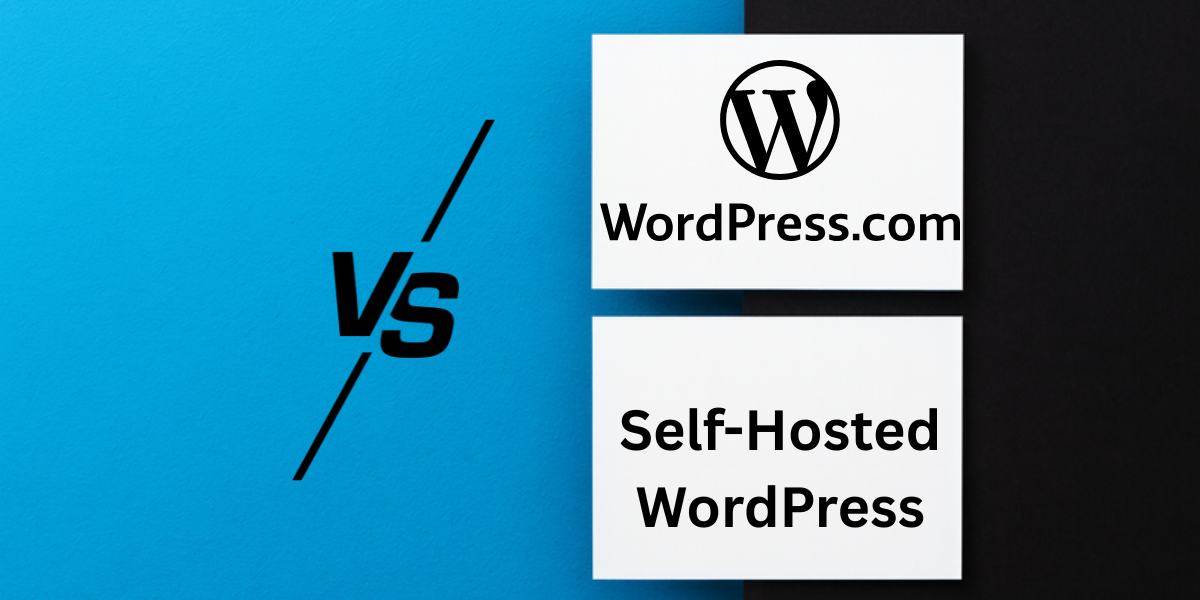
WordPress.com vs Self-Hosted WordPress: Which Wins 2026?
The hosting debate nobody asked for, but everyone needs to be answered
Disclosure: This article is sponsored by WordPress.com, but these opinions on WordPress.com vs Self-Hosted WordPress are mine and mine alone. Everything you’re about to read comes from actual experience.
Remember that time you spent four hours researching “WordPress.com vs WordPress.org” and came out more confused than when you started?
Yeah. Me too.
The naming is ridiculous. It’s like if McDonald’s and McDonald’s Farms both sold burgers, but one was a restaurant, and the other was a cow. Same logo, different everything.
I’ve built sites on both platforms. Run client projects on WordPress.com. Managed self-hosted WordPress sites that made me want to scream at ungodly hours when something broke. And I’m here to give you the actual breakdown without the tech bro gatekeeping or the salesy bullshit.
Because here’s what nobody tells you upfront: WordPress.com is managed hosting where they handle technical stuff for you, while WordPress.org gives you open-source software you install on your own web host.
They use the same core WordPress software, but the experience? Completely different universes.
Let’s end the confusion and figure out which one actually makes sense for you in 2026.
What’s the Difference Anyway?
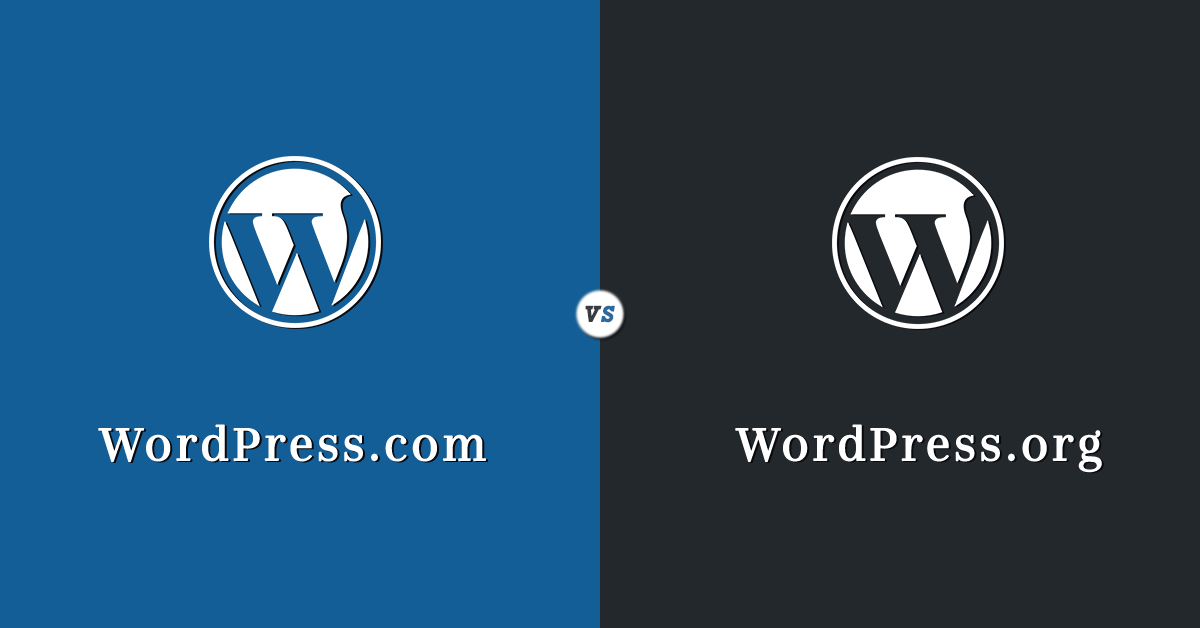
First, let’s kill the most annoying misconception: WordPress.org is not a web host and doesn’t offer website creation. It’s a website where you download free software. That’s it.
Think of it this way:
WordPress.com = All-in-one apartment with utilities included. Rent monthly, someone else handles repairs, and you follow their rules.
Self-hosted WordPress (WordPress.org) = Buy the house, own everything, fix your own toilet at midnight when it blocks.
The same WordPress software powers both platforms. The difference is who manages the technical nightmare and how much control you get.
I started Blog Recode on WordPress.com because I wanted to focus on writing, not debugging PHP errors. Later, I moved client sites to self-hosted setups when they needed customizations WordPress.com couldn’t handle.
Both choices taught me expensive lessons.
Cost Breakdown

Everyone asks, “Which is cheaper?” but that’s the wrong damn question.
WordPress.com Pricing
WordPress.com offers a free plan, with paid plans starting at $4/month for Personal. Here’s the actual breakdown:
- Free Plan: $0/month, but you’re stuck with
yoursite.wordpress.com, ads on your content, 1GB storage, and zero plugins. Good for experimenting, terrible for anything serious. - Personal Plan: $4/month annually ($48/year). Custom domain is free for year one, removes ads, provides 6GB storage, and provides email support. Now includes access to 50,000+ plugins on all paid plans.
- Premium Plan: $8/month annually ($96/year). Everything in Personal plus premium themes, video uploads, ad revenue options, and Google Analytics integration.
- Business Plan: $25/month annually ($300/year). Full plugin access, custom code, SFTP/SSH access, real-time backups, SEO tools. This is where WordPress.com gets serious.
- Commerce Plan: $45/month annually ($540/year). Built for online stores with WooCommerce, payment integrations, and shipping carriers.
Everything includes hosting, security, automatic updates, an SSL certificate, and 24/7 support.
Please note: WordPress.com now offers plugins/themes on all paid plans.
Self-Hosted WordPress Costs
“Free and open source” sounds great until you add up the actual costs:
Minimum annual costs:
- Domain name: $10-15/year
- Shared hosting: $60-120/year (FastComet, Bluehost, GreenGeeks, etc.)
- SSL certificate: Often free (Let’s Encrypt) or included
- Total baseline: ~$70-135/year
But wait, there’s more:
- Premium theme: $30-200 (one-time or annual)
- Essential plugins: $50-500/year (backups, security, SEO, caching)
- Better hosting when you grow: $200-800/year
- Emergency developer help: $50-200/hour
- Your time troubleshooting: Priceless (and endless)
I’ve seen self-hosted sites cost $150/year total and others bleeding $2,000+ annually on hosting, premium plugins, and maintenance.
The kicker?
WordPress.com’s Personal plan at $4/month includes a free domain for one year, hosting, 6GB storage, SSL certificate, and unlimited email support. For $48/year, you get what would cost $100-300 to piece together yourself.
Control: The Dividing Line
This is where WordPress.com vs self-hosted WordPress actually splits.
What Self-Hosted WordPress Gives You
Self-hosted WordPress gives total freedom to do whatever you want with your site. Want to install sketchy plugins from random developers? Go nuts.
Need to edit core files at midnight because you think you know better? Nobody’s stopping you.
Real control means:
- Install any theme or plugin (50,000+ options)
- Edit PHP, CSS, and database directly
- Choose your hosting provider and server specs
- Monetize however you want—no restrictions
- Full ownership of everything
I love this freedom for complex client projects. When someone needs custom functionality that doesn’t exist as a plugin, self-hosting is the only option.
But here’s what they don’t mention: with great power comes great responsibility to not completely screw up your own site.
What WordPress.com Restricts (And Why It Matters)
WordPress.com Personal and Premium plans now include plugin access, which eliminates the biggest historical complaint.
Current limitations:
- Free plan: Zero customization, no plugins, stuck with WordPress.com domain
- Personal/Premium: Plugin access but no custom code or theme file editing
- Business plan and up: Pretty much everything unlocked, including custom code
For 90% of bloggers and small business sites, these limitations don’t matter. You get thousands of themes, essential plugins, and enough customization to build a professional site.
The 10% who need custom functionality? Yeah, you’ll hit walls on anything below the Business plan.
🚀 Launch your website fast with WordPress.com
The Technical Nightmare Factor

Let me tell you about my current one.
My client’s self-hosted WordPress site went down. Plugin conflict after an automatic update. Their hosting company’s “24/7 support” turned out to mean “we’ll respond when we feel like.”
I spent three hours:
- Disabling plugins via FTP
- Identifying the conflict
- Finding an alternative plugin
- Testing everything
- Manually applying security updates I’d been postponing
Bill to client: $400. Their frustration: Immeasurable.
Also Read: What Is Managed WordPress Hosting 2026 (And Why It Matters)
Self-Hosted WordPress Maintenance
Your job includes:
- Weekly plugin and theme updates (that might break your site)
- Security monitoring and malware scanning
- Regular backups (and testing those backups actually work)
- Server management and performance optimization
- SSL certificate renewals
- PHP version compatibility
- Database optimization
- Emergency troubleshooting when shit hits the fan
I know people who love this stuff. They’re called “masochists” or “developers.”
For everyone else, it’s unpaid work that takes time away from actually building your business.
WordPress.com: Set It and Forget It
WordPress.com includes managed hosting, which optimizes your site for speed, security, and performance. They handle:
- Automatic updates (that don’t break your site)
- Security monitoring and DDoS protection
- Daily automatic backups
- Server scaling when traffic spikes
- SSL certificates and renewals
- Performance optimization
- Malware scanning
I sleep better with WordPress.com sites. No 2 AM panic attacks because an update crashed everything.
Is it less control? Absolutely. Is it worth the tradeoff for most people? Also absolutely.
✨ Build your site easily with WordPress.com
Speed and Performance Check

“Self-hosted is faster” is outdated advice from 2015.
WordPress.com runs on Automattic’s infrastructure, the same guys who built WordPress. Managed hosting on WordPress.com includes automatic caching and CDN.
I’ve seen WordPress.com sites load faster than poorly optimized self-hosted sites on cheap shared hosting.
Speed depends on:
- Quality of hosting (WordPress.com vs. budget shared hosting vs. premium managed hosting)
- Image optimization
- Plugin bloat
- Caching setup
- CDN usage
- Theme efficiency
Self-hosted can be faster if you invest in premium managed hosting ($50-200/month), configure caching perfectly, use a CDN, optimize everything, and know what you’re doing.
Or you can pay $4-25/month on WordPress.com and get good performance out of the box.
Your call.
⚡ Build a powerful site on WordPress.com today
SEO: Does Platform Choice Matter?

Short answer: Not really.
WordPress powers over 43% of all websites on the internet, and both WordPress.com and self-hosted sites rank well in Google.
I’ve ranked WordPress.com sites on page one for competitive keywords. I’ve also ranked self-hosted sites. The platform isn’t the bottleneck; your content and SEO strategy are.
What actually impacts rankings:
- Content quality and relevance
- Keyword research and optimization
- Site speed (both platforms can be fast)
- Mobile responsiveness (both handle this)
- Backlinks and authority
- Technical SEO (meta tags, schema, alt text)
Both platforms support essential SEO plugins like Rank Math, SureRank, and AIOSEO. Both let you customize meta descriptions, titles, and permalinks. Both generate sitemaps.
The difference?
Self-hosted gives you slightly more control over technical SEO details (htaccess files, server redirects, advanced schema). WordPress.com handles the basics well, but limits some advanced technical tweaks.
For 95% of sites, this doesn’t matter. Focus on writing content people actually want to read.
🚀 Build an SEO-optimized website with WordPress.com today
Also Read: How WordPress.com Built-In SEO Tools Boost Visibility (2026)
Monetization: Where It Gets Complicated

This is where WordPress.com used to suck. Now it’s… better but still restricted.
Self-Hosted Monetization
Do whatever you want:
- Display ads anywhere (Google AdSense, Mediavine, AdThrive)
- Affiliate marketing with any program
- Sell products directly (WooCommerce, Easy Digital Downloads)
- Membership sites and subscriptions
- Sponsored content
- Literally any money-making scheme you can imagine
Zero restrictions. It’s your site.
WordPress.com Monetization
Free plan: Can’t monetize at all. No ads, no affiliate links, nothing.
Personal plan ($4/month): Can accept payments and use affiliate links in content. Can apply for WordAds (WordPress.com’s ad program).
Premium plan ($8/month): Everything in Personal plus the ability to earn ad revenue through WordAds, better monetization options.
Business plan ($25/month): Full monetization freedom, including any ad network, complete affiliate marketing, and custom e-commerce.
Commerce plan ($45/month): Built for online stores with WooCommerce, taking 2-3% commission on sales.
If monetization is your primary goal, factor this into cost calculations. Self-hosted might cost $150/year, but gives unlimited earning potential. WordPress.com Free costs $0 but earns $0.
💰 Turn your WordPress site into income →
Support: When Everything Goes Wrong

3 AM. Site’s down. What do you do?
Self-Hosted Support
Your hosting company might help with server issues. But WordPress problems? Plugin conflicts? Theme bugs? That’s on you.
Most hosting support is:
- “Have you tried disabling plugins?”
- “This isn’t our responsibility.”
- “That’ll be $75/hour for premium support.”
I’ve spent hours on support tickets that basically said: “figure it out yourself.” Community forums are hit-or-miss. Good luck getting help fast when your site’s broken and you’re losing money.
Premium managed WordPress hosting (Kinsta, WPX, Servebolt) offers better support but costs $30-100+/month.
WordPress.com Support
All WordPress.com paid plans include unlimited email support. Premium and above get live chat. Business and Commerce get priority support.
I’ve used WordPress.com support at 11 PM on a Sunday and got helpful responses within an hour. They know WordPress inside-out because it’s literally all they do.
No plugin blame games. No, “not our problem.” They own the entire stack.
Worth it? When your site’s your income, absolutely.
💬 Get expert support and build your site with WordPress.com
Migration: Switching Between Platforms
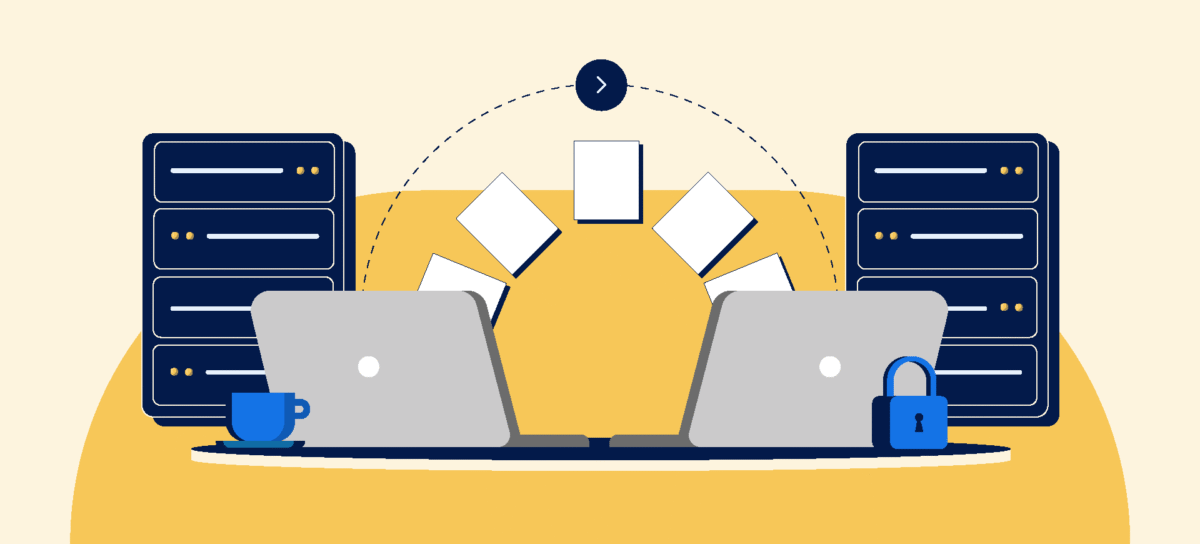
Good news: moving between WordPress.com and self-hosted isn’t that hard.
WordPress.com to self-hosted:
- Export your content (Tools → Export)
- Set up hosting and install WordPress
- Import content to the new site
- Redirect old URLs if keeping the domain
- Reconfigure plugins and settings
Takes a few hours if you know what you’re doing. Costs $50-200 if you hire someone.
Self-hosted to WordPress.com: Even easier. WordPress.com offers free automated migration on Business plans and above. Upload, click, done.
I’ve migrated sites in both directions. Neither is painful if you plan ahead.
The bigger question: why are you migrating? Fix the underlying issue instead of assuming the platform switch solves everything.
Who Should Choose WordPress.com
You should seriously consider WordPress.com if:
- You want to focus on content, not server management
- Technical troubleshooting makes you want to cry
- You value reliability and support over ultimate control
- You’re building a blog, portfolio, or small business site
- Your monetization needs fit within their structure
- You’d rather pay monthly than deal with hosting headaches
- You appreciate automatic backups and security
WordPress.com works brilliantly for creators who want a professional site without the technical nightmare. The new plugin access on all paid plans eliminates the biggest historical complaint.
I run some client sites on WordPress.com (personally, on WPX hosting, but I started on WordPress.com) because I’d rather write than debug code.
Who Should Choose Self-Hosted WordPress
Self-hosted makes sense if:
- You need complete control and customization
- You have technical skills or a budget for developers
- Your requirements exceed WordPress.com’s capabilities
- You want to own everything about your site, literally
- You’re building complex functionality (advanced membership sites, custom apps, multi-site networks)
- You enjoy (or don’t mind) hands-on technical management
- You’re prepared for the ongoing maintenance responsibility
I use self-hosted WordPress for clients who need custom development, complex integrations, or functionalities that simply don’t exist in plugin form.
It’s powerful, flexible, and occasionally frustrating as hell.
The 2026 Verdict: It Depends (Sorry)
I know you want a simple answer. But WordPress.com vs self-hosted WordPress isn’t about which is “better”, it’s about which matches your priorities.
Choose WordPress.com if: Convenience, reliability, and support matter more than ultimate control. You’d rather pay $4-25/month than spend hours managing hosting and security. With plugins now available on all paid WordPress.com plans, the platform handles 90% of use cases beautifully.
Choose self-hosted if: You need specific customizations, want complete ownership, have technical skills or budget for developers, and don’t mind the maintenance responsibility. The freedom is real, but so is the workload.
My honest take: Most bloggers, small businesses, and creators are better off starting with WordPress.com. You can always migrate to self-hosted later if you outgrow the platform. Starting self-hosted and dealing with technical headaches while trying to build your business? That’s the hard way.
WordPress.com removes the barriers between you and actually publishing. For creators, that’s worth way more than the theoretical control you probably won’t use.
But if you’re building something technically complex, need advanced customizations, or genuinely enjoy server management… self-hosted gives you the freedom to build exactly what you envision.
Neither platform is wrong. They serve different needs. Pick based on your priorities, not some blogger’s blanket recommendation.
And whatever you choose, just start. The best platform is the one you’ll actually use.
Conclusion: Stop Overthinking, Start Building
Here’s the thing about the WordPress.com vs self-hosted WordPress debate: people spend weeks researching and comparing when they could’ve already built their site and published 10 posts.
Analysis paralysis is real, and it’s killing your momentum.
Both platforms use WordPress. Both can rank in Google. Both can look professional. Both can make money. The differences matter less than consistently creating valuable content.
I’ve seen gorgeous self-hosted sites with zero traffic and basic WordPress.com blogs earning six figures. The platform isn’t the success factor; you are.
My recommendation?
Start with what makes sense today, not what might matter in three years. WordPress.com offers a clear path to publishing without technical headaches. Self-hosted gives you ultimate flexibility if you’re ready for the responsibility.
You can always change later. Sites migrate. Platforms evolve. Your first choice isn’t permanent.
What matters is getting your ideas online and building an audience that gives a damn about what you’re creating.
Pick one. Build something. Iterate based on real experience, not hypothetical scenarios.
The debate ends when you actually start.
FAQs
Is WordPress.com or self-hosted WordPress better for beginners?
WordPress.com is significantly better for beginners. It handles hosting, security, updates, and technical maintenance automatically, letting you focus on creating content.
Self-hosted WordPress requires managing hosting, security, backups, and troubleshooting, skills most beginners don’t have. Start with WordPress.com Personal plan ($4/month), which now includes plugin access, then consider self-hosting later if you need advanced customizations.
Can I make money with WordPress.com?
Yes, but monetization options depend on your plan. WordPress.com Personal plan ($4/month) allows affiliate links and payment acceptance. Premium plan ($8/month) adds WordAds revenue.
Business plan ($25/month) removes all monetization restrictions, including any ad networks and full e-commerce. Free plans cannot monetize at all. For serious monetization, plan on at least the Personal tier or higher.
Is WordPress.com slower than self-hosted WordPress?
No. WordPress.com runs on optimized infrastructure with automatic caching and a CDN included. Speed depends more on hosting quality, image optimization, and plugin configuration than platform choice.
A well-configured WordPress.com site often loads faster than poorly optimized self-hosted sites on cheap shared hosting. Both platforms can achieve excellent speed with proper setup.
Can I use plugins on WordPress.com in 2026?
Yes. WordPress.com now offers access to over 50,000 plugins on all paid plans (Personal, Premium, Business, Commerce). This is a major change from previous years. Free plans still cannot install plugins.
Business and Commerce plans additionally allow custom code and theme file editing. The plugin restriction that historically drove people to self-hosted WordPress no longer applies to paid WordPress.com plans.
How much does WordPress.com actually cost?
WordPress.com offers a free plan with limitations, plus paid plans: Personal ($4/month annually), Premium ($8/month annually), Business ($25/month annually), and Commerce ($45/month annually).
All paid plans include hosting, security, automatic updates, an SSL certificate, support, and plugin access. Free domain included for the first year on annual plans. Prices are billed annually for the monthly rate shown.
Can I switch from WordPress.com to self-hosted later?
Yes, migration is straightforward. Export your content from WordPress.com, set up hosting elsewhere, install WordPress, import your content, and redirect URLs. Takes a few hours if doing it yourself or costs $50-200 hiring someone.
The WordPress.com to self-hosted migration is common and well-documented. You can also migrate from self-hosted to WordPress.com. Business plans and above offer free automated migration.
Does WordPress.com own my content?
No. You own all content you create on WordPress.com. Their terms confirm you retain full ownership and rights to your content. The difference from self-hosted is who owns the hosting infrastructure; WordPress.com owns the servers, you own the content.
If you leave, you can export everything and take it with you. Content ownership is identical between WordPress.com and self-hosted.
Which platform is better for SEO?
Both platforms support strong SEO when used correctly. WordPress.com and self-hosted WordPress both allow essential SEO plugins (Rank Math, SureRank), custom meta descriptions, clean permalinks, and sitemaps.
Self-hosted offers slightly more advanced technical SEO control (server redirects, htaccess modifications), but for most sites, this doesn’t significantly impact rankings. Content quality and optimization strategy matter far more than platform choice.
Remember: This article is sponsored by WordPress.com, but every comparison, frustration, and recommendation comes from real experience with both platforms. I don’t do paid praise; I do honest assessments.