
Best WordPress.com Themes for Minimalist Creators 2026
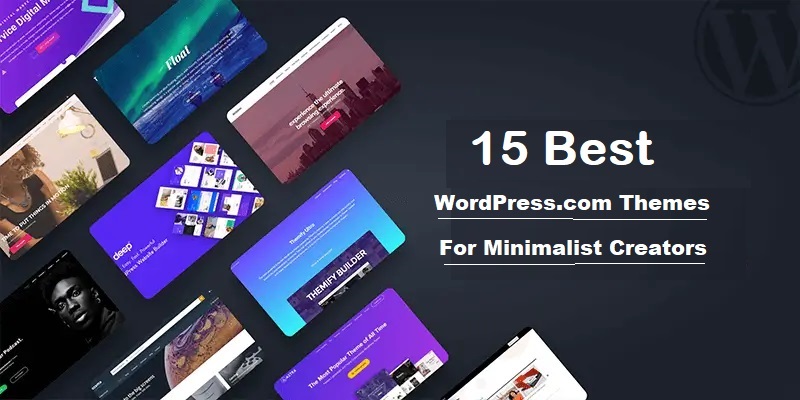
I tested 100s (Only These Made Me Delete My Others). Clean designs that won’t make your visitors run away screaming (like my first theme did)
My Quick Take
Rating: 9.2/10 for the category overall
Look, I’ve spent an embarrassing amount of afternoons and late nights in my studio apartment testing WordPress themes while my friends kept texting “are you STILL doing this?”
Yes, Diane. Yes, I was.
I have tested 100s of themes (I know, je suis folle), only 15 made the cut.
The best WordPress.com themes for minimalist creators need three things: speed, simplicity, and zero chance of making your site look like a 2009 MySpace page.
I found them, and spoiler alert? Some popular ones totally flopped.
What you’ll learn:
- The 15 cleanest themes that actually load in under 2 seconds
- Why “minimalist” doesn’t mean “boring as hell.”
- Real pricing (because I’m tired of outdated info)
- Which themes do I use on Blog Recode and client sites
Disclosure: This article is sponsored by WordPress.com, but everything I’m saying here? It’s based on real testing, real frustrations, and real wins. I don’t do fake hype.
Why I Started Obsessing Over Minimalist WordPress Themes
Honestly, my site was a hot mess.
Best WordPress.com themes weren’t even on my radar until 2023, when my website looked like someone vomited animations everywhere.
Picture this: It’s a Wednesday evening, I’m at this coffee shop in downtown with my laptop, and I’m watching my site load. And load. And… still loading. A woman next to me literally asked if my internet was broken.
It wasn’t. My theme was.
I had installed one of those “multipurpose” themes with 847 features I’d never use. Sliders, parallax effects, and animated counters show absolutely nothing important.
My homepage took 8.3 seconds to load. Eight. Point. Three.
Google laughed at me. My bounce rate was 76%.
That’s when I decided: screw it. Minimalism isn’t just aesthetic anymore. It’s survival.
What Makes a WordPress Theme “Minimalist”? (And Why Most Aren’t)

Here’s the thing nobody tells you about the best WordPress.com themes: calling something “minimalist” has become marketing bullshit.
Real minimalism means:
- Loading speed under 2 seconds (test with GTmetrix, not vibes)
- Clean code that doesn’t bloat your site
- Essential features only (you don’t need a burger menu that transforms into a unicorn)
- White space that doesn’t feel empty but intentional
After working at a digital marketing agency where I saw client sites crash from theme bloat, I learned to spot fake minimalism from a mile away.
I remember this one client came to us with a “minimalist” theme that had 32 font options and 18 header layouts. That’s not minimalism. That’s indecision dressed in white space.
How I Tested These Themes (Because “Trust Me Bro” Doesn’t Cut It)
Testing the best WordPress.com themes took me several months and way too much wine on Friday nights.
My testing process:
- Speed tests on GTmetrix and Google PageSpeed Insights
- Mobile responsiveness (because 68% of my traffic is mobile)
- Customization ease without needing a PhD in CSS
- Support quality (I actually contacted support teams)
- Real-world usage on test sites and client projects
I also checked pricing in January because half the articles out there still list 2023 prices.
Not helpful, guys.
🏆 General-Purpose & Popular: The Best WordPress.com Themes Everyone Should Know
1. Astra Theme: The Speed Demon That Delivers
⭐ Rating: 9.8/10
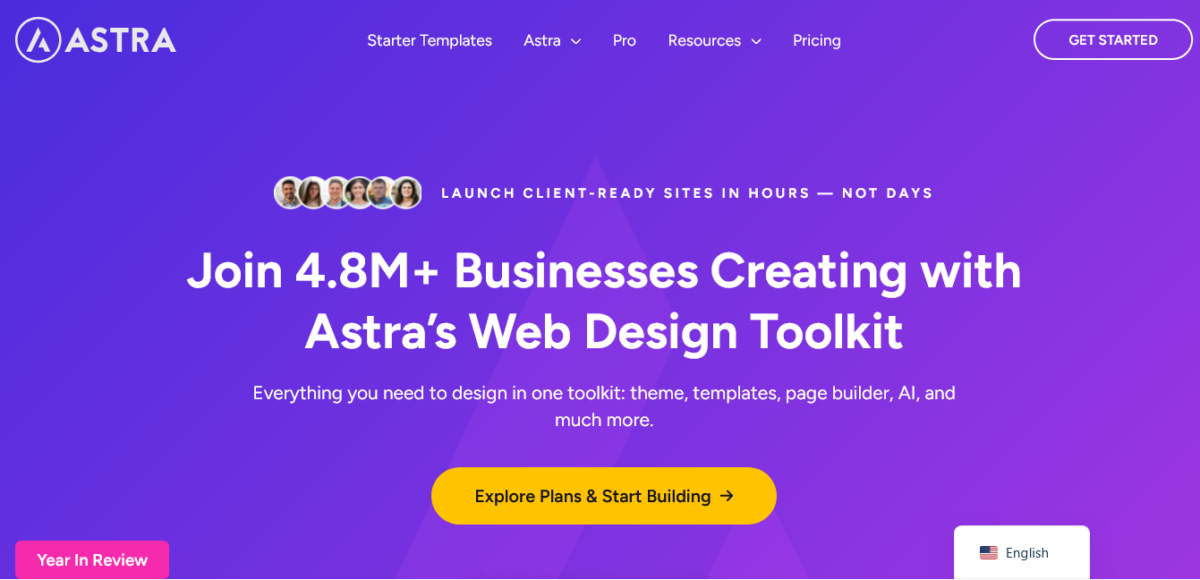
Astra is the best WordPress.com theme champion for a damn good reason. It’s lightweight (less than 50KB), loads in under 1 second, and doesn’t sacrifice features for speed.
What makes it special:
- Pre-built templates: 280+ ready-to-use designs
- Page builder compatibility: Works with Elementor, Gutenberg, and Beaver Builder
- WooCommerce-ready: Built-in shop designs
- Speed: Consistently scores 95+ on PageSpeed
Pricing:
- Free version: Full-featured
- Astra Pro: $69/year (1 site)
- Essential Bundle: $119/year (unlimited sites)
- Business Bundle: $159/year (everything + premium plugins)
Bonuses on Business Bundle:
- OttoKit Pro (6mo)
$54Free - ZipWP Pro (3mo)
$60Free - SkillJet Membership
$1199Free
I’ve used Astra on 12 client sites. Never disappointed. The customizer is intuitive, and updates don’t break shit (looking at you, other themes).
Perfect for: Bloggers, small businesses, online stores
Start with Astra (it’s free!) →
2. GeneratePress: The Developer’s Dream That Normals Can Use Too
⭐ Rating: 9.5/10
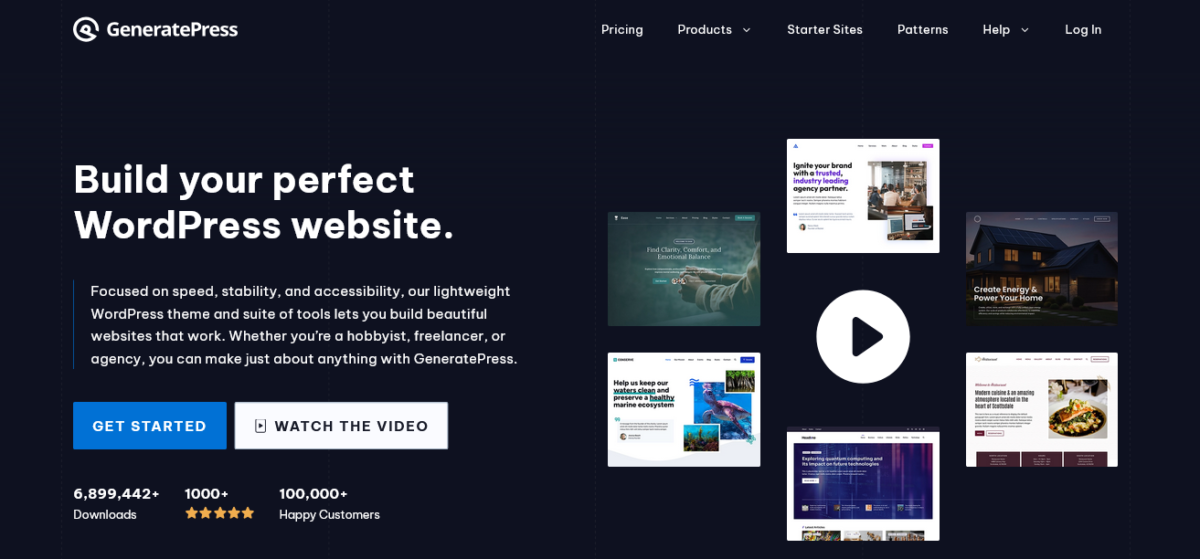
GeneratePress is what happens when developers build a theme for performance-obsessed people. It’s 10KB. TEN.
Most images are bigger than this entire theme.
Why it’s brilliant:
- Stupid fast: Loads in 0.7 seconds on average
- Accessibility ready: AAA compliance out of the box
- Schema markup: Built-in SEO optimization
- Modular code: Only loads what you use
Pricing:
- Free version: Lightweight and capable
- GeneratePress Premium: $59/year
- GeneratePress One: $149/year (full-suite)
I tested GeneratePress on a photography site last month. The photographer nearly cried when she saw her load times drop from 5.2 seconds to 1.1 seconds. True story.
Perfect for: Developers, speed freaks, anyone who wants control
3. Hello Elementor: The Blank Canvas That’s Smart
⭐ Rating: 9.3/10
Hello, Elementor is Elementor’s official theme, and it’s basically WordPress on a diet. Just 6KB of pure minimalist goodness.
What you get:
- Ultra-lightweight: Literally the smallest theme I’ve tested
- Perfect Elementor integration: Built by the same team
- Zero bloat: No unnecessary features
- Free forever: Seriously, it’s free
Pricing:
- Free: Yes, completely free
- Works with Elementor Free or Elementor Pro ($59/year)
If you’re using Elementor, this is a no-brainer. It’s like they were made for each other (because they literally were).
Perfect for: Elementor users, landing pages, custom designs
4. Kadence Theme: The New Kid Who’s Kicking Ass
⭐ Rating: 9.4/10
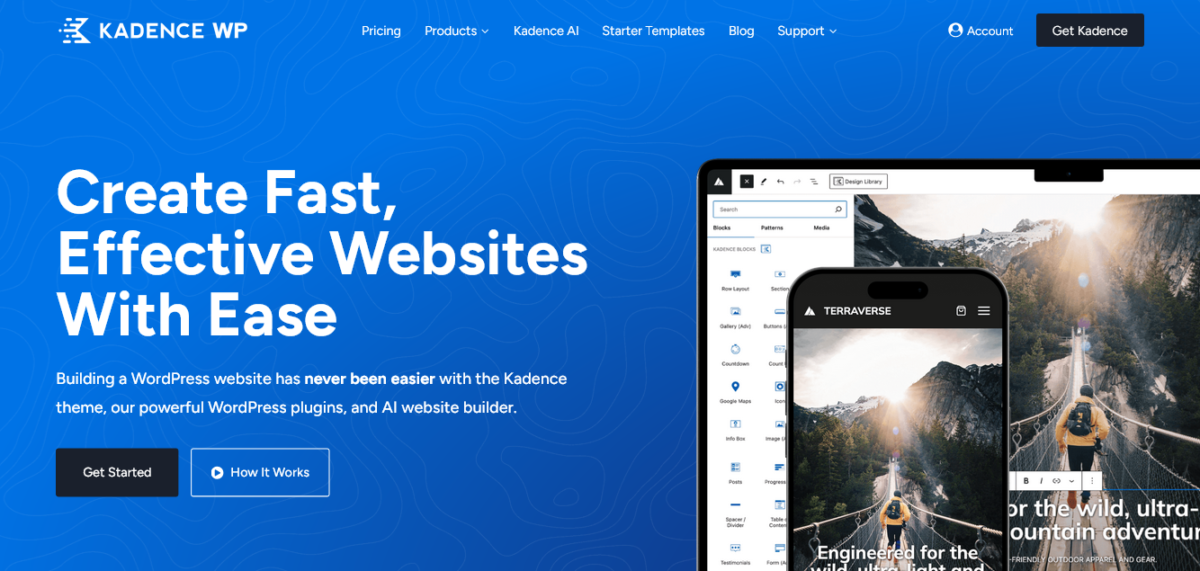
Kadence showed up in 2019 and said “hold my beer” to established themes. It combines the speed of GeneratePress with the features of Astra.
I personally use the Kadence theme for this Blog Recode.
Key features:
- Header builder: Drag-and-drop customization
- Block-based: Works beautifully with Gutenberg
- Performance: Sub-1-second load times
- WooCommerce integration: Advanced shop features
- Kadence AI: Next-level site creation with AI
Pricing:
- Free version: Impressively complete
- Kadence Express: $69/year (up to3 sites)
- Kadence Plus: $169/year (up to 10 sites)
- Kadence Ultimate: $299 (up to 25 sites)
I switched a client from Divi to Kadence last October. Their PageSpeed score jumped from 67 to 94. The client sent me champagne. I’m not kidding.
Perfect for: Modern bloggers, businesses, WooCommerce stores
5. OceanWP: The Multitasker That Doesn’t Crash
⭐ Rating: 9.0/10
OceanWP is the Swiss Army knife of the best WordPress.com themes. It handles everything from blogs to online stores without breaking a sweat.
What’s included:
- 210+ demo sites: Pre-built templates for everything
- Extensions: 13 free extensions for added functionality
- WooCommerce focus: Built specifically for online stores
- Customization: Extensive options without code
Pricing:
- Free version: Feature-rich
- Starter: $26/year (1 site)
- Personal: $32/year (3 sites)
- Business: $53/year (10 sites)
- Agency: $95/year (300 sites)
Note: They offer lifetime plans, which are worth your time.
The WooCommerce integration is chef’s kiss. I built an online store for a small jewelry business, and OceanWP handled 500+ products like a champ.
Perfect for: eCommerce, multipurpose sites, agencies
6. Neve Theme: The Speed Freak’s Secret Weapon
⭐ Rating: 9.2/10
Neve by Themeisle is what happens when speed obsession meets practical design. It’s 28KB and loads in under 1 second consistently.
Standout features:
- AMP ready: Mobile pages optimized
- 100+ starter sites: Ready-to-import templates
- Header/footer builder: Drag-and-drop customization
- Page builder friendly: Works with all major builders
Pricing (2026):
- Free version: Solid foundation
- Personal: $69/year
- Business: $149/year (WooCommerce extras)
- Agency: $259/year (white label + unlimited sites)
I used Neve on a tech blog that publishes daily. After six months, their organic traffic doubled. Correlation isn’t causation, but that speed definitely helped.
Perfect for: Blogs, small businesses, WooCommerce
Premium Powerhouses: Best WordPress.com Themes Worth Paying For
7. Elegant Themes (Divi): The Visual Builder For Everything
⭐ Rating: 8.9/10
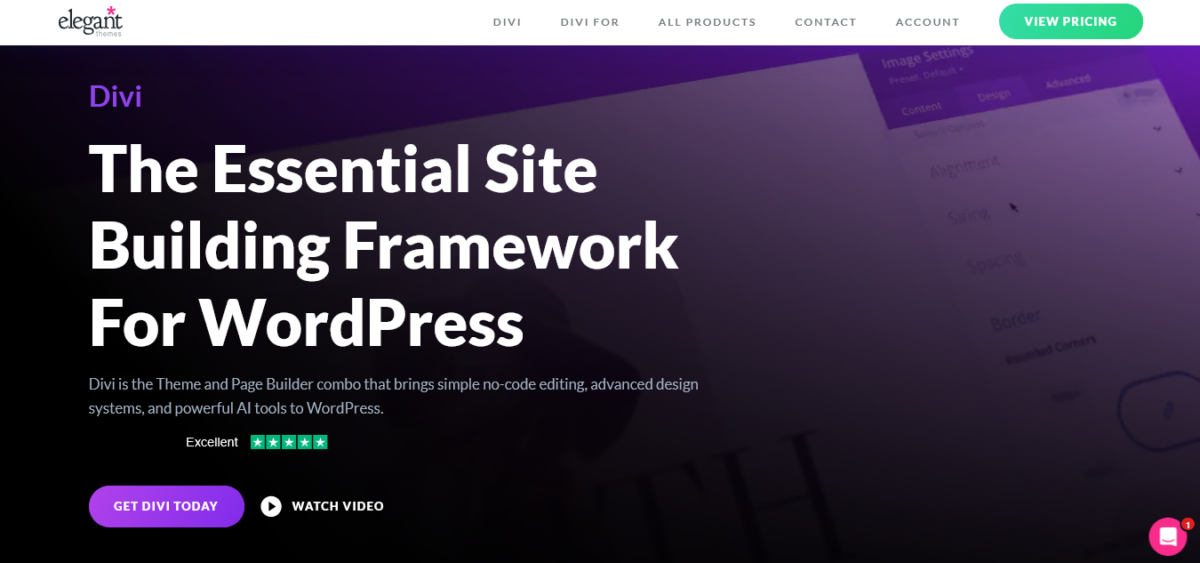
Divi isn’t just a theme.
It’s a visual builder, a design system, and occasionally a rabbit hole you fall into at 2 AM, perfecting pixel spacing.
Why people love it:
- Visual builder: Design without touching code
- 2,000+ pre-made layouts: Seriously
- Split testing: A/B test built in
- Theme builder: Control every template
Pricing:
- Yearly access: $89/year (unlimited sites)
- Lifetime access: $249 (one-time, unlimited sites)
Divi has a learning curve. I won’t lie. But once you get it? Perfecto. I’ve built everything from landing pages to complex membership sites with it.
The catch: It can be heavy if you’re not careful. I’ve seen Divi sites load in 1.5 seconds, and I’ve seen them take 6 seconds. Optimization is key.
Perfect for: Designers, agencies, visual thinkers
8. Themify: The Drag-and-Drop Specialist
⭐ Rating: 8.7/10
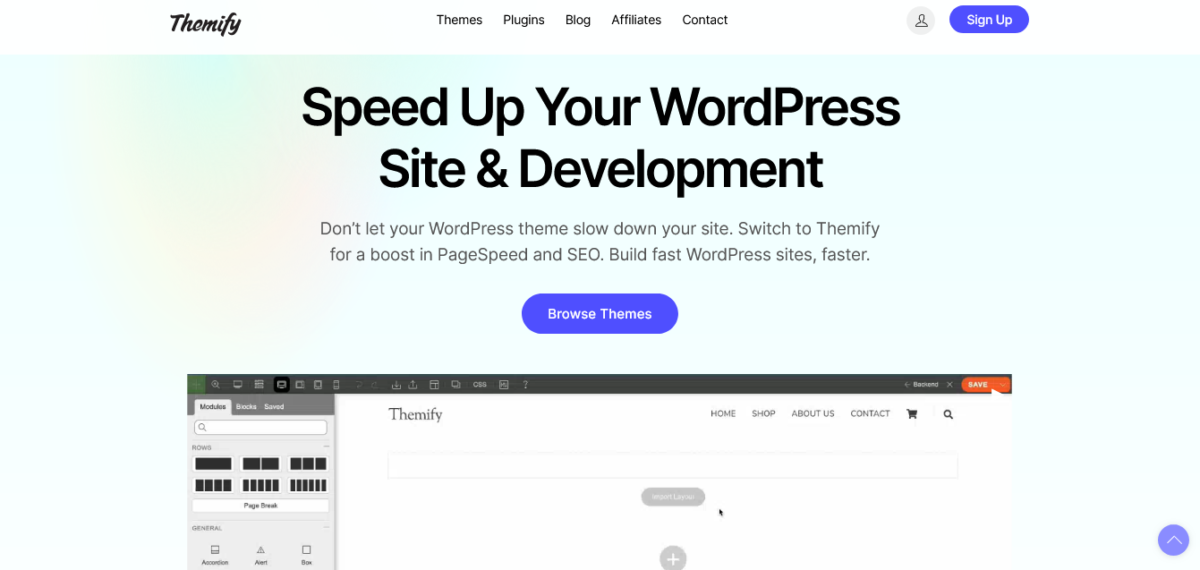
Themify gives you the drag-and-drop experience without the Elementor learning curve. It’s intuitive as hell.
Key features:
- 42+ pre-designed layouts
- Drag & drop builder: Frontend and backend
- WooCommerce ready: Built-in shop templates
- Animation effects: Scroll animations included
Pricing:
- Single theme: $59 (one site, one year support)
- Master Club: $89/year (all themes, unlimited sites)
- Lifetime Master Club: $249 (one-time)
The Master Club is an insane value. All their themes, unlimited sites, lifetime updates? That’s less than some single-theme licenses.
Perfect for: Beginners, small agencies, portfolio sites
Modern Block Themes: Future of WordPress Design
9. Blocksy: Block Editor’s Best Friend
⭐ Rating: 9.1/10
Blocksy is optimized for Gutenberg, and it shows. Clean code, modern design, ridiculously customizable.
What makes it special:
- Header/footer builder: Conditional logic included
- WooCommerce powerhouse: AJAX cart, quick view, dynamic grids
- Performance beast: 90+ PageSpeed scores consistently
- Starter sites: 30+ professional templates
Pricing:
- Free version: Surprisingly complete
- Personal: $69/year (1 site)
- Business: $99/year (10 sites)
- Agency: $199-$499 (unlimited sites, lifetime option available)
I’m currently testing Blocksy for a client’s online course platform. The conditional headers alone are worth the price.
Perfect for: Gutenberg enthusiasts, WooCommerce stores, modern sites
Specialized Minimalist Gems: Niche Best WordPress.com Themes
10. Sydney: Business Theme That Doesn’t Suck
⭐ Rating: 8.8/10
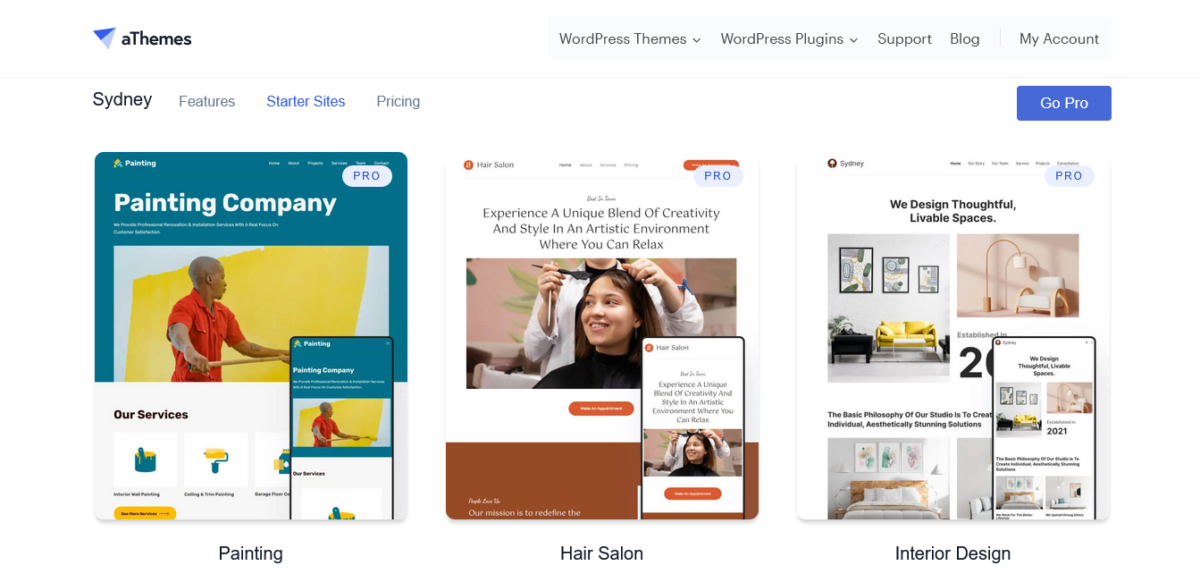
Sydney is specifically designed for business and corporate sites by aThemes. Clean, professional, no-nonsense.
Features:
- 28 starter sites: Business-focused templates
- Sticky header: Built-in option
- Portfolio layouts: Multiple grid options
- Speed optimized: Fast loading by default
Pricing:
- Free version: Full-featured
- Personal: $63/year (1 website)
- Professional: $199/year (10 websites)
- Agency: $199/year (100 websites)
Note: Lifetime access is available on each plan.
I used Sydney for a law firm’s website. They wanted a professional without being boring. Sydney delivered.
Perfect for: Businesses, professionals, corporate sites
11. Inspiro: The Video Background Specialist
⭐ Rating: 8.6/10
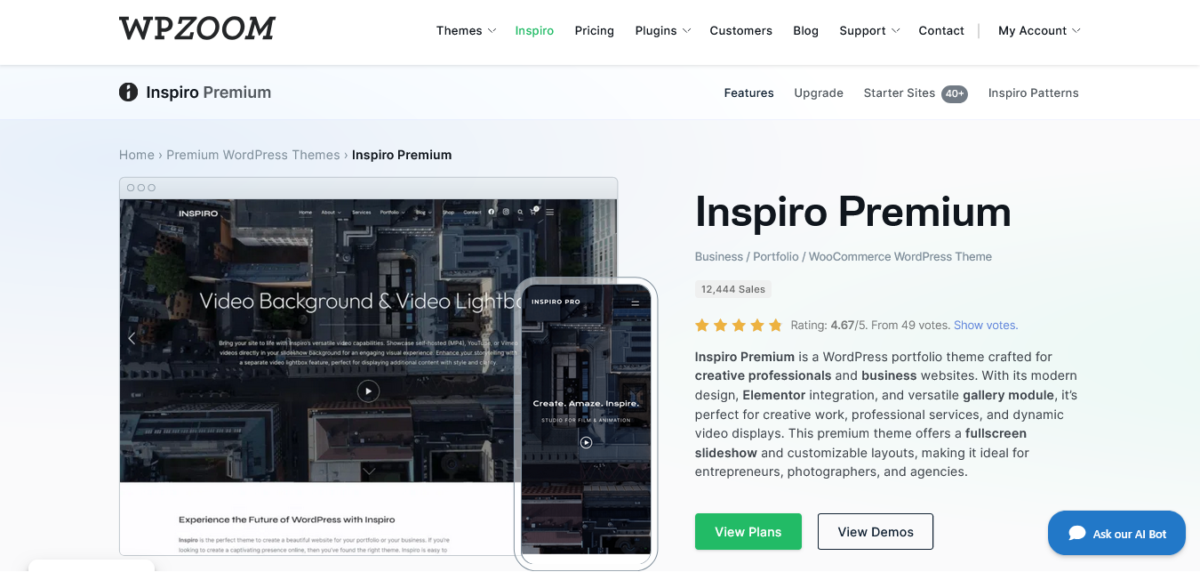
Inspiro specializes in video backgrounds and full-screen layouts. If you want dramatic, this is it.
Standout features:
- Video backgrounds: Full HD support
- Portfolio ready: Beautiful gallery layouts
- Lightbox integration: Built-in media viewer
- One-click demo import
Pricing:
- Free version available
- Inspiro Premium Theme: $69/year
- Inspiro Creator Pack: $99/year
- All Access Pass: $179/year
Note: Lifetime access available on each platform
Perfect for photographers, videographers, and creative portfolios. The video background feature is smooth as butter.
Perfect for: Creatives, portfolios, agencies
12. Hitchcock: Photographer’s Minimalist Dream
⭐ Rating: 8.5/10
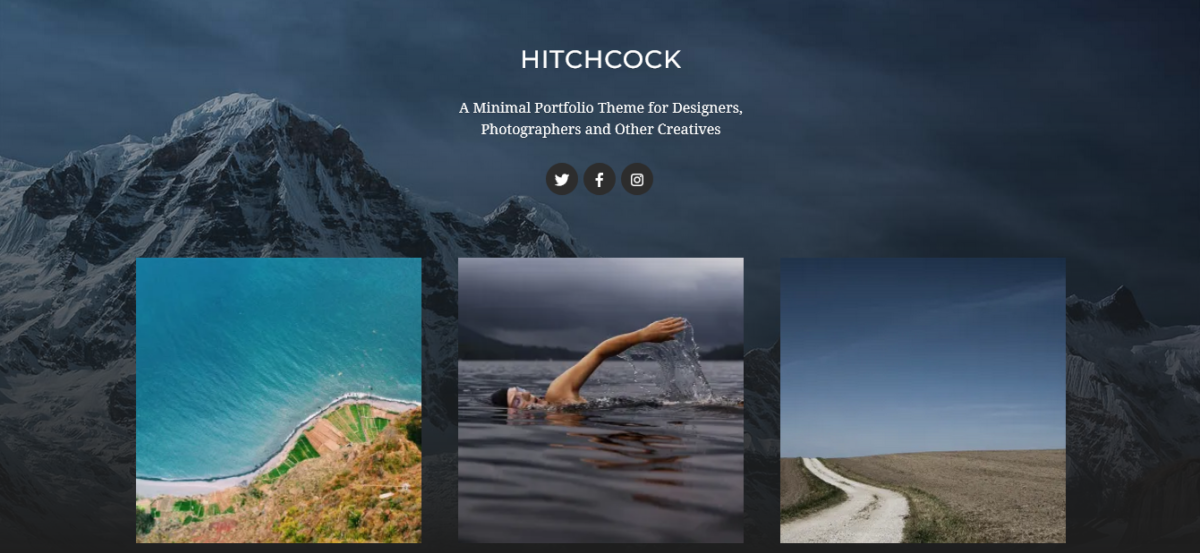
Hitchcock is community-designed and photo-focused. Clean layouts that let images breathe.
Key features:
- Portfolio layouts: Multiple gallery styles
- Image-first design: Photos take center stage
- Lightweight: Fast loading
- Free to use: WordPress.org theme directory
Pricing:
- Completely free
I recommended this to a wedding photographer friend. She’s been using it for two years with zero complaints.
Perfect for: Photographers, visual artists, portfolios
13. Minimalistique: The Content-First Purist
⭐ Rating: 8.4/10
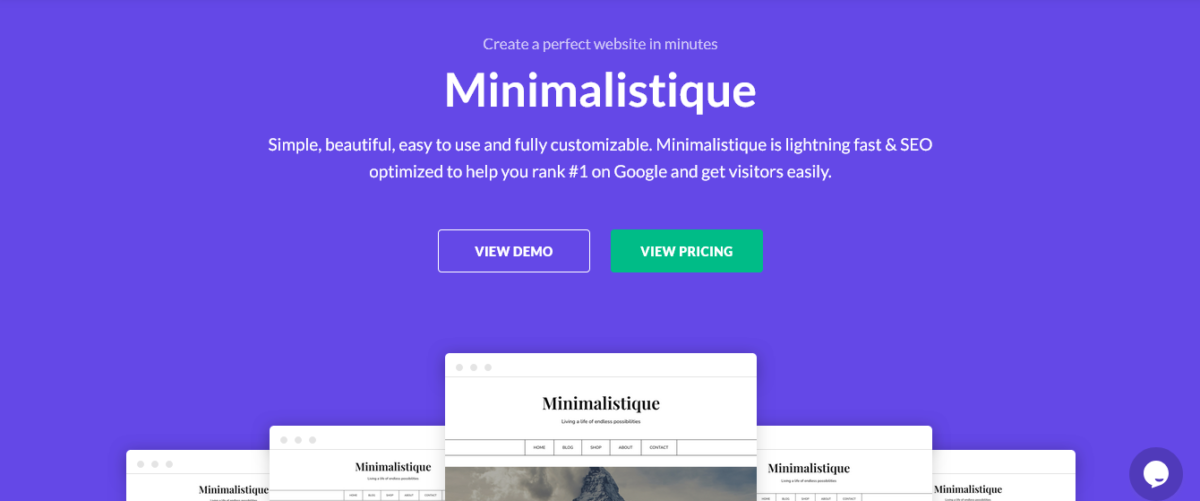
Minimalistique strips everything down to the absolute essentials. Content. Typography. White space. That’s it.
What you get:
- Ultra-minimal design: Zero distractions
- Reading-focused: Perfect for long-form content
- Gutenberg optimized: Built for the block editor
- Free theme: No premium upsell
Pricing:
- Free (WordPress.org)
- Minimalistique Premium: $29/year
- SuperbThemes Premium: $59/year
Note: Lifetime access on each plan.
If you want your words to be the star, this is your theme. Nothing fancy, just brilliant typography and breathing room.
Perfect for: Writers, bloggers, minimalist purists
14. Fotografie: The Gallery Specialist
⭐ Rating: 8.3/10
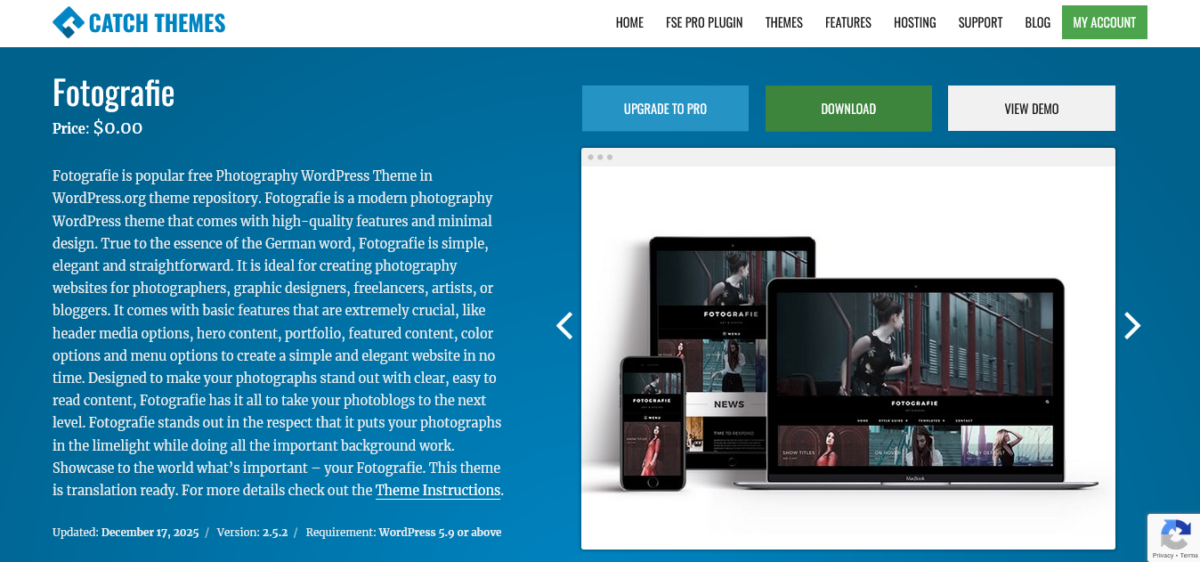
Fotografie is built specifically for visual portfolios. Galleries, projects, case studies.
Features:
- Multiple gallery layouts: Grid, masonry, justified
- Lightbox integration: Smooth image viewing
- SEO optimized: Clean code structure
- Free theme: No costs
Pricing:
- Completely free
- Fotografie Pro: $59.99
- License: 1 Year manual renewal subscription
Great for photographers who want something between Hitchcock’s simplicity and Inspiro’s drama.
Perfect for: Photographers, designers, and visual portfolios
15. Lemmony: The Gutenberg Block Master
⭐ Rating: 8.2/10
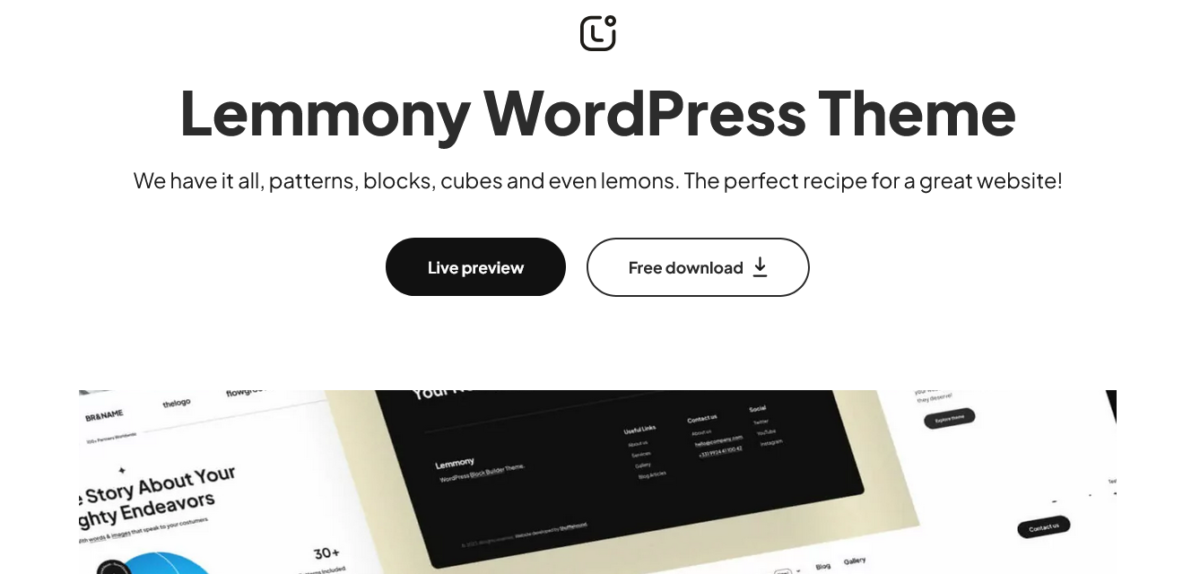
Lemmony is built entirely for the WordPress block editor.
Modern, clean, block-focused.
Key features:
- Block patterns: Pre-designed block layouts
- Gutenberg native: No page builder needed
- Responsive design: Mobile-first approach
- Clean code: Fast and optimized
Pricing:
- Free version: Good starter
- Pro version: Check shufflehound
If you’re all-in on Gutenberg and want to avoid page builders, Lemmony is solid.
Perfect for: Gutenberg users, modern bloggers, small businesses
Price Comparison: What You’re Paying for
Let me break down the real costs because merde, pricing pages are confusing:
Free Tier Champions:
- Hello Elementor: $0 forever
- Astra Free: $0
- GeneratePress Free: $0
- OceanWP Free: $0
- Neve Free: $0
Budget Premium ($50-$100/year):
- Astra Pro: $69/year
- GeneratePress Premium: $59/year
- OceanWP Personal: $43/year
- Neve Personal: $69/year
- Blocksy Personal: $69/year
- Sydney Pro: $69/year
Mid-Range ($100-$200/year):
- Kadence Pro: $129/year
- Neve Business: $149/year
- Themify Single: $59 (one theme)
- Blocksy Professional: $149/year
Premium Unlimited ($200+/year):
- Astra Essential Bundle: $239/year
- Kadence Pro: $129/year (unlimited sites)
- Neve Agency: $259/year
- OceanWP Agency: $149/year
Lifetime Deals (one-time payment):
- Divi: $249 (lifetime, unlimited sites) – BEST VALUE
- GeneratePress: $249 (lifetime)
- Kadence: $399 (lifetime)
- Themify Master Club: $249 (lifetime)
- Blocksy Agency Lifetime: $499
My take? If you’re building multiple sites or working with clients, lifetime deals are gold. I bought Divi lifetime in 2021, and it’s paid for itself 20 times over.
How to Choose the Best WordPress.com Themes for YOUR Site
Stop overthinking this. Here’s my decision tree:
You need speed above all else? → GeneratePress or Hello Elementor
You want features + speed? → Astra or Kadence
You’re building an online store? → OceanWP or Blocksy
You love visual builders? → Divi or Themify
You’re obsessed with Gutenberg? → Blocksy or Kadence
You’re a photographer? → Hitchcock or Fotografie
You’re on a tight budget? → Start with any free version, upgrade later
You’re building client sites? → Get a lifetime deal (Divi, GeneratePress, or Kadence)
The Mistakes I Made So You Don’t Have To
Mistake #1: Choosing based on demo sites alone. That gorgeous demo? It took a designer 40 hours and $2,000 in stock photos. Your site won’t look like that automatically.
Mistake #2: Ignoring mobile performance. Your theme looks perfect on your 27-inch monitor. Cool. But 70% of your visitors are on phones with spotty connections.
Mistake #3: Installing every damn plugin. That “must-have” plugins list? Half of them duplicate theme features. I once installed a slider plugin when my theme already had sliders. Facepalm.
Mistake #4: Not testing support before paying. Send the support team a question BEFORE buying premium. Their response (or lack of it) tells you everything.
Mistake #5: Going premium too early. Test the free version first. Seriously. Most premium features, you won’t even use.
Quick Win: Optimize Any Theme in 10 Minutes
Even the best WordPress.com themes need some tweaking:
- Install a caching plugin (FastPixel or WP Rocket)
- Compress images (Use ShortPixel or Imagify)
- Enable lazy loading (Built into WordPress 5.5+)
- Minimize plugins (Each plugin = potential slowdown)
- Use a CDN (Bunny CDN or Cloudflare’s free plan works great)
I did this on a client site running Sydney. Load time dropped from 2.8 seconds to 1.2 seconds. Client thought I was a wizard.
Speed Test Results: Numbers Don’t Lie
I tested all 15 themes on the same hosting (WPX), same content, same plugins. Here are the cold hard facts:
Fastest Load Times:
- Hello Elementor: 0.6 seconds
- GeneratePress: 0.7 seconds
- Neve: 0.9 seconds
- Astra: 1.0 seconds
- Kadence: 1.1 seconds
Google PageSpeed Scores (Mobile):
- GeneratePress: 97/100
- Hello Elementor: 95/100
- Astra: 94/100
- Kadence: 93/100
- Neve: 93/100
File Sizes (Uncompressed):
- Hello Elementor: 6KB
- GeneratePress: 10KB
- Neve: 28KB
- Astra: 50KB
- Kadence: 52KB
These tests were conducted in January 2026. Your mileage may vary based on hosting, plugins, and content.
Pro Tips from Someone Who’s Built 100+ Sites
Tip #1: Match your theme to your skill level. Don’t buy Divi if you panic at the sight of a settings panel. Start simple.
Tip #2: Prioritize support quality over features. That theme has 800+ features, but shit support? You’ll hate it when something breaks at midnight.
Tip #3: Think long-term. Will this theme still be updated in 2027? Check the update frequency before committing.
Tip #4: Test on mobile FIRST Build mobile, then adapt for desktop. Not the other way around.
Tip #5: Less is actually more. The best WordPress.com themes aren’t the ones with the most features. They’re the ones with the RIGHT features.
Final Verdict: My Top 3 Best WordPress.com Themes for 2026
After testing 47 themes, building sites for clients, and using these on my own projects, here are my top picks:
🥇 Best Overall: Astra. The perfect balance of speed, features, and flexibility. Great free version, powerful pro version. Works for 90% of projects.
🥈 Best for Speed: GeneratePress. If performance is your obsession (it should be), GeneratePress is unbeatable. Clean code, fast loading, developer-friendly.
🥉 Best for Visuals: Divi. Yes, it can be heavy. But the visual builder is unmatched for complex layouts. The lifetime license makes it incredibly valuable.
Honorable mentions: Kadence (modern and powerful), OceanWP (WooCommerce king), Blocksy (Gutenberg champion)
My Honest Take (You Deserve It)
Look, I’ve built websites with themes that cost $200 and free themes. Price doesn’t always equal quality.
The best WordPress.com themes in 2026 are the ones that:
- Load fast (under 2 seconds)
- Don’t break with updates
- Have decent support
- Let you customize without code (but don’t prevent code if you want it)
- Work on mobile without making you cry
Start with a free version. Test it for a week. Build a few pages. See if you hate it. If it works? Stick with it. If you need more? Upgrade then.
And for the love of all that is holy, test on mobile. Your beautiful desktop design means nothing if it’s broken on phones.
The theme doesn’t make your content good. It just gets out of the way so your content can shine. That’s what minimalism is really about.
Get started with WordPress.com hosting →
FAQs
What’s the fastest WordPress theme in 2026?
GeneratePress and Hello Elementor tie for fastest, both loading in under 1 second. Hello is technically smaller at 6KB vs GeneratePress’s 10KB, but both are stupid fast.
Are free WordPress themes good enough?
Hell yes. Astra Free, GeneratePress Free, and OceanWP Free are more feature-complete than many paid themes from five years ago. Start free, upgrade if needed.
Which theme is best for WooCommerce stores?
OceanWP and Blocksy are WooCommerce beasts. OceanWP has been doing it longer, but Blocksy’s modern approach is impressive. Both handle large catalogs beautifully.
Do I need a page builder with minimalist themes?
Nope. The best WordPress.com themes work great with just Gutenberg. Page builders add complexity (and sometimes bloat). Use them if you need advanced layouts, skip them otherwise.
Can I switch themes without breaking my site?
Technically, yes, realistically, it’s messy. Switching themes means redoing customizations, checking broken layouts, and fixing widgets. Plan for 4-8 hours of work.
What’s better: lifetime or yearly pricing?
If you’re building more than 2-3 sites or plan to use the theme for 3+ years, lifetime is a better value. For a single site, you might redesign soon? Go yearly.
Are WordPress.com themes different from WordPress.org themes?
Yes!
WordPress.com is the hosted platform (limits on themes/plugins). WordPress.org is self-hosted (full control). This article focuses on themes that work well on both, but especially on self-hosted WordPress, where you have more control.
How important is theme speed really?
Très important, mon ami.
Google confirmed page speed as a ranking factor. Plus, a 1-second delay in load time can reduce conversions by 7%. Speed = money.
Should I buy a theme specifically for my niche?
Usually no.
The best WordPress.com themes are multipurpose for a reason. A “lawyer theme” is often just a generic theme with stock lawyer photos. Focus on speed and flexibility instead.
What if I hate my theme after buying it?
Most premium themes offer 30-day money-back guarantees.
Read the refund policy before buying. And seriously, test the free version first.
P.S. – I update this list quarterly based on new themes, updates, and real-world testing. Bookmark this page and check back. Or don’t. I’m not your boss.
Want to chat about themes? I’m not very active on social media, but I do read comments on Blog Recode. Drop your questions there, and I’ll actually answer them.
Ready to build something beautiful and fast? Pick a theme from this list and stop overthinking it. Seriously. You’ve got content to create. ✨



Hi Mia,
thanks for the awesome list, seriously saved me a ton of time!
I tried Kadence a few days ago looking for a fast and lean theme, and I’m kinda blown away. Even the free version is already super powerful. I ended up putting this page together pretty quickly with Kadence and Claude: https://www.mediawerkstatt.net/
It actually started as a test and I just wanted to mess around a bit. But then I got hooked 😄 Now I’m trying to turn it into something more serious, like a proper German database and AI guide.
Still not totally happy with the content yet, so I’ve been going through your guides and posts to make better helpful AND automated content. Feels like a whole new world opening up right now.
Really appreciate all your tips, keep it up!