10 Best Ecommerce Plugins That Sell (Not Just Look Pretty)

Most ecommerce plugin reviews are written by people who’ve never made a sale. Not even to their mom. This isn’t that.
Here’s what you need to know about starting an online store: picking the wrong ecommerce plugin can cost you way more than money. It costs you sleep, sanity, and months of your life wrestling with checkout flows that don’t work.
A creator I know spent $4,000+ on a developer to fix her WooCommerce site because she’d installed 23 plugins trying to get basic features working. Twenty-three. Her hosting bill was $89/month, and her site loaded more slowly than government websites.
It’s true, most “best ecommerce plugins” articles are garbage. They’re written by affiliate marketers who’ve never actually run a store, recommending tools based on commission rates instead of what truly works.
So I did what any slightly obsessed blogger would do. I spent months testing every major ecommerce plugin. Built actual stores. Processed real transactions. Broke things. Fixed things.
Cursed in Spanish at my laptop at 2 AM when payment gateways mysteriously stopped working.
The best ecommerce plugins 2026 aren’t necessarily the ones with the prettiest dashboards or the biggest marketing budgets. They’re the ones that let you sell stuff without losing it.
What Matters in an Ecommerce Plugin (Hint: It’s Not Instagram Integration)

Before we get into the best ecommerce plugins 2026, let’s talk about what separates winners from money pits.
Does it process payments reliably? Sounds basic, right? You’d be shocked at how many plugins have weird payment gateway issues that only show up after you’ve already launched.
Can normal humans use it? If you need to hire a developer just to change your shipping rates, that’s a problem.
Does it slow your site to a crawl? A beautiful store that takes 8 seconds to load converts like shit. Speed matters more than features.
What’s the REAL cost? That “free” plugin that requires $500/year in extensions to do basic things? Not actually free.
Does support really respond? When your checkout breaks on Black Friday, “we’ll get back to you in 5-7 business days” doesn’t cut it.
Alright, let’s get into the rankings.
1. WooCommerce – The Swiss Army Knife (That Sometimes Cuts You)
Pricing: Free core plugin | Extensions $0-$300 each | Expect $200-$1000/year for a functional store
Real talk time.
WooCommerce powers 28% of all online stores for a reason. It’s not because it’s perfect. It’s because it’s ridiculously flexible and you’re not locked into monthly platform fees.
Why People Love It:
The core plugin is genuinely free. You can start selling without spending a dime beyond hosting. That’s huge if you’re bootstrapping.
The extension ecosystem is massive. Need to sell subscriptions? There’s a plugin. Want to integrate with some obscure shipping company in Eastern Europe? Probably a plugin for that too.
Why People Hate It:
The extension ecosystem is massive. See the problem? You’ll end up with 15 plugins doing different things, and when one breaks, good luck figuring out which one.
A friend who runs a fashion store told me she spent three hours trying to figure out why her checkout stopped working. Turned out two extensions were fighting over the same hook. Cool. Super fun way to spend a Saturday.
Performance Issues Are Real:
I’ve seen WooCommerce sites that run beautifully with minimal plugins. I’ve also seen ones that load like they’re running on a potato connected to dial-up.
The difference? Hosting quality (I recommend WPX Hosting) and plugin discipline. If you install every shiny extension you see, your site will become a bloated mess.
Best For: People who want maximum flexibility, don’t mind technical complexity, and need to sell both physical and digital products.
Not For: Beginners who just want something that works out of the box.
2. Easy Digital Downloads – If You Sell Digital Stuff, Stop Right Here
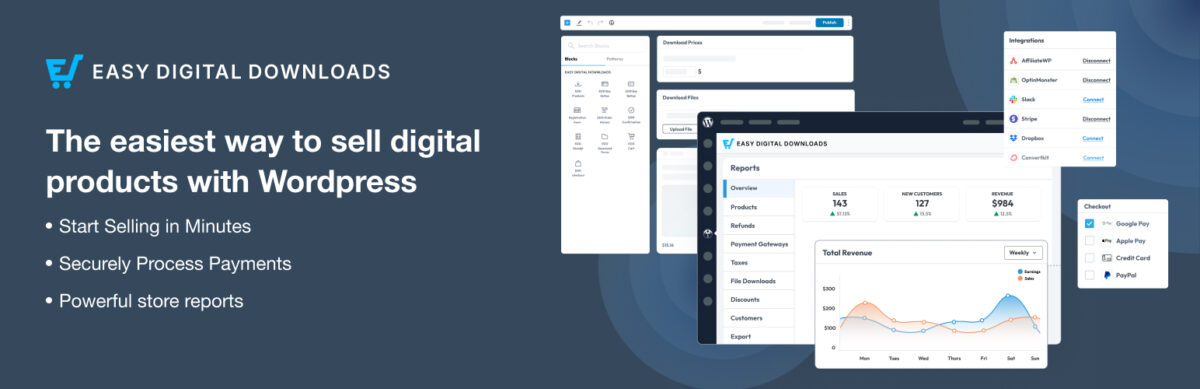
Pricing: Free core | Personal: $99.50/year | Extended: $199.50/year | Professional: $299.50/year | All Access: $499.50/year
This is the plugin people sleep on, and I genuinely don’t understand why.
If you’re selling ebooks, courses, software, templates, or any digital product, Easy Digital Downloads (EDD) is purpose-built for you. Not “also works for digital products.” Built specifically for it.
What Makes It Different:
No shipping settings cluttering your dashboard because, duh, you’re not shipping anything.
File protection that works. Your paid products won’t mysteriously end up on sketchy download sites.
Software licensing is built in. If you sell WordPress plugins or apps, the licensing system alone is worth the price.
Real Experience:
A software developer I mentored switched from WooCommerce to EDD and said it was like “taking off a weighted vest you didn’t know you were wearing.”
Everything just makes more sense when the plugin isn’t trying to handle physical inventory, shipping zones, and product dimensions you’ll never use.
The Pricing Thing:
Here’s where it gets tricky. The free version works, but it’s pretty basic. You’ll want at least the Personal plan ($99.50/year) to get email marketing integrations and upsells.
For serious digital product sellers, the All Access Pass at $499.50/year actually makes sense. You get every extension they offer, including fraud protection and content restriction features.
The Catch:
The checkout experience isn’t as polished as some competitors, I mean, as WooCommerce. It works, but it won’t win design awards.
Also, if you want to add physical products later, you’ll need to switch platforms or add WooCommerce alongside it, which defeats the purpose.
Best For: Digital product creators who want a streamlined experience without the bloat.
3. Shopify Plugin for WordPress – When You Want the Easy Button
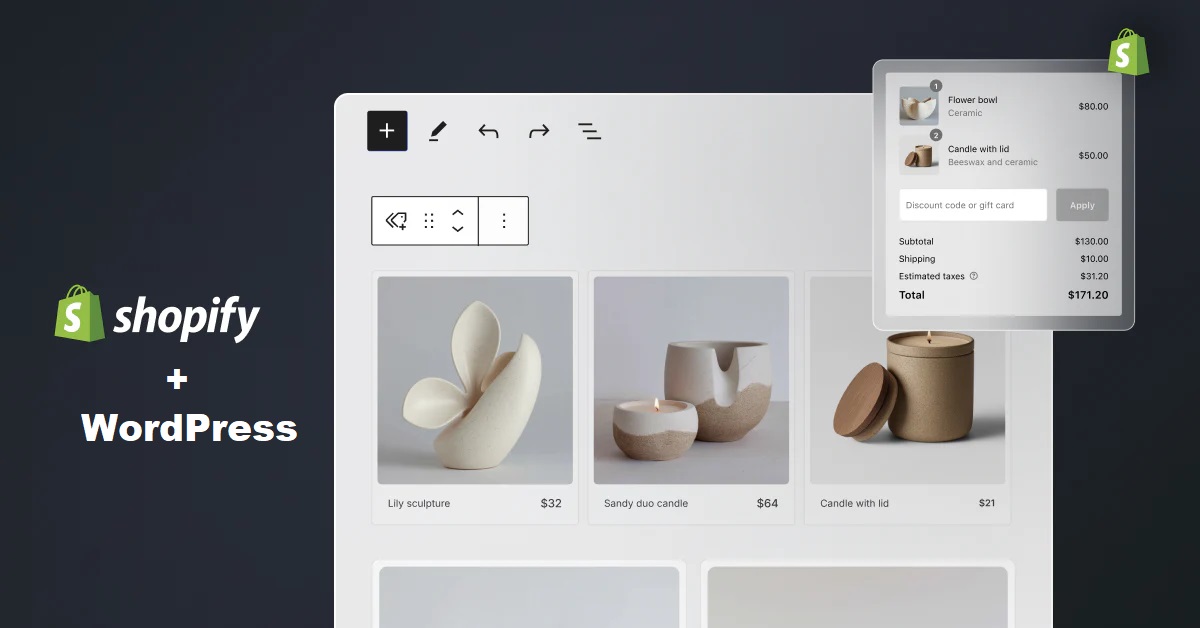
Pricing: Free plugin | Shopify subscription required: $1/month for first 3 months, then $39/month minimum
Plot twist: Shopify now has an official WordPress plugin.
This isn’t your traditional ecommerce plugin. It’s a bridge between your WordPress content and Shopify’s commerce engine.
How It Works:
You manage products in Shopify’s admin. You create content in WordPress. The plugin connects them. Customers check out through Shopify’s system, not yours.
Why This Is Genius:
Shopify’s checkout converts 17% better than WooCommerce, according to their studies. That’s not marketing fluff when you’re making $100K+ in sales.

PCI compliance? Shopify handles it. Security updates? Not your problem. Payment gateway integrations? Already done.
Why This Might Suck for You:
You’re paying monthly fees forever. Unlike WooCommerce, where you could theoretically run a store for just hosting costs, Shopify bills you every month.
You’re managing two systems. Products live in Shopify. Content lives in WordPress. Some people love this separation. Others find it annoying.
Customization is limited. You get Shopify’s checkout, period. If you want to heavily customize the checkout experience, you’re stuck unless you pay for Shopify Plus (which starts around $2,000/month).
A Scenario:
A blogger I know runs her content site on WordPress but uses Shopify for her course sales. She loves that she doesn’t worry about payment processing breaking. She hates paying $39/month when she only sells $500/month.
Do the math on whether monthly fees make sense for your revenue.
Best For: Content creators who want reliable ecommerce without the technical headaches and don’t mind monthly fees.
4. BigCommerce for WordPress – Enterprise Features Without Enterprise Prices

Pricing: Free plugin | BigCommerce subscription required: Starting around $39/month (Standard plan)
BigCommerce is doing the same headless thing as Shopify: managing the commerce backend on their platform, displaying on your WordPress frontend.
What Makes BigCommerce Special:
No transaction fees on any plan. Shopify charges you extra if you don’t use Shopify Payments. BigCommerce doesn’t play that game.
Better for complex catalogs. You can have up to 600 SKUs per product. Try doing that smoothly in WooCommerce.
Multi-currency support out of the box. If you’re selling internationally, this is huge.
Reality Check:
The learning curve is steeper than Shopify’s. BigCommerce’s admin isn’t as intuitive.
Theme compatibility can be wonky. The plugin works with any WordPress theme in theory. In practice, you’ll probably need custom CSS to make it look right.
Who Actually Uses This:
Mid-sized businesses that have outgrown WooCommerce but don’t want Shopify’s transaction fees. Companies selling 500+ products that need serious catalog management.
If you’re just selling a few products, BigCommerce is overkill. If you’re managing thousands of SKUs across multiple categories, it starts making sense.
Best For: Growing businesses that need enterprise features but can’t afford enterprise prices.
5. CartFlows – When Your Funnel Matters More Than Your Store
Pricing: Free version available | Pro: $299/year
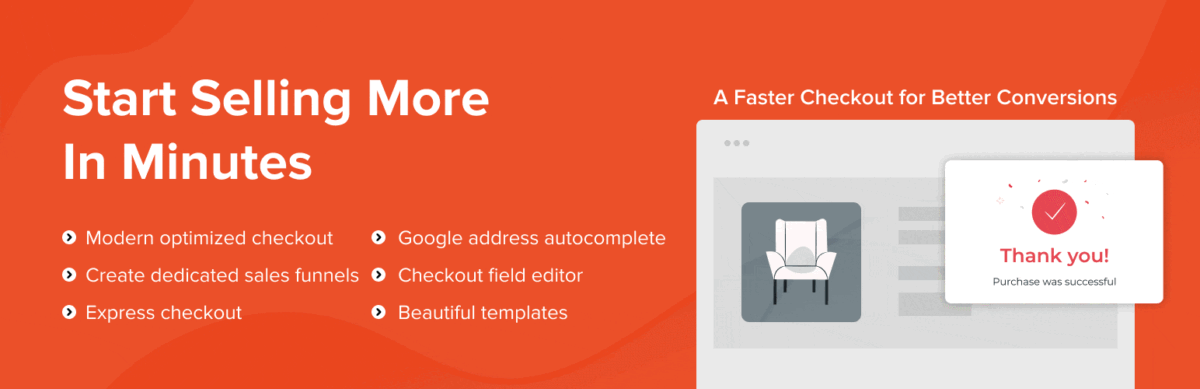
CartFlows isn’t a standalone ecommerce plugin. It’s a sales funnel builder that works with WooCommerce.
Why It’s On This List:
Sometimes you don’t need a traditional store. You need a high-converting sales funnel for one or two products.
CartFlows lets you build those without hiring a funnel expert or using external tools like ClickFunnels ($147/month).
What It Does:
One-click upsells and downsells. Customer just bought your course? Offer them the advanced version right there.
Order bumps that honestly work. “Add this bonus for $27” checkboxes that increase average order value.
A/B testing is built in. Test different headlines, offers, and checkout variations without additional tools.
Example Results:
A course creator I advised added CartFlows to her existing WooCommerce setup. Her average order value went from $97 to $143 within a month just from strategic upsells and order bumps.
Downside:
It’s another layer of complexity on top of WooCommerce. If you’re already struggling with WooCommerce, adding CartFlows might not help.
The free version is limited. You’ll want Pro ($299/year) to unlock the real power.
Please note: Discount prices are offered regularly.
Best For: Course creators, coaches, and digital product sellers who need funnel features more than a traditional store.
6. MemberPress – Subscriptions Done Right
Pricing: Launch: $179.50/year | Growth: $299.50/year | Scale: $399.50/year
Please note: MemberPress offers discounts; confirm current pricing
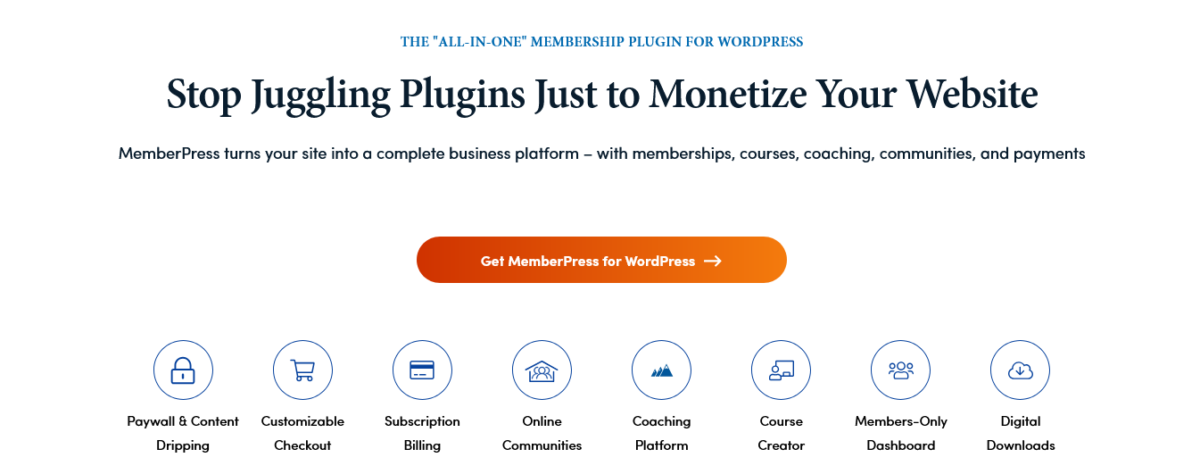
If you’re selling memberships, subscriptions, or online courses with drip content, MemberPress is purpose-built for you.
Why It’s Different:
Content restriction that makes sense. Lock pages, posts, categories, or custom post types behind membership levels.
Drip content scheduling. Release lesson 2 seven days after someone joins. Keeps people engaged and reduces churn.
Works with any WordPress theme. Unlike some LMS plugins that force you into their design system.
Case Study:
Sachiko (fellow creator and a friend) used MemberPress for her design membership site. She tried WooCommerce Subscriptions first and nearly gave up. MemberPress just made more sense for her use case.
Six months in, she’s got 200 paying members, and the system just works. No weird payment failures. No members are complaining about not being able to access content.
Limitations:
It’s not cheap. $179.50/year minimum, and you’ll probably want Growth or Scale for features like corporate accounts and developer tools.
It’s focused on memberships. If you need to sell both one-time products and subscriptions, you might need MemberPress PLUS another plugin.
Best For: Membership sites, online course creators, and anyone building a subscription-based business.
7. Ecwid – Multichannel Hustler
Pricing: Free plan available | Starter: $5/month | Venture: $29/month | Business: $49/month | Unlimited: $119/month
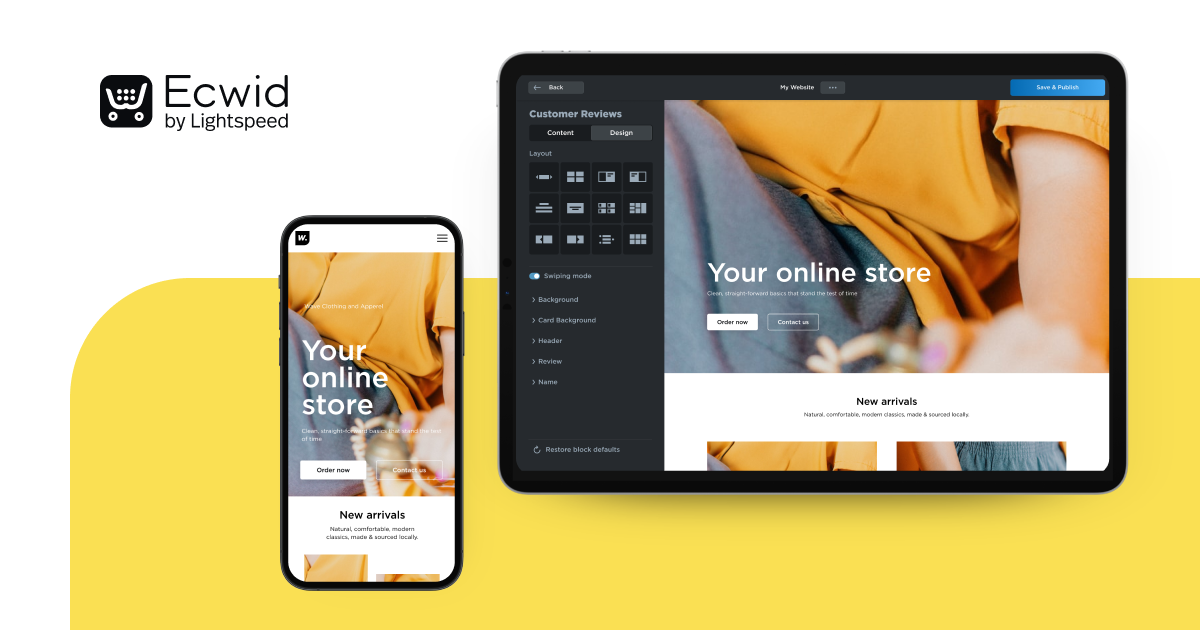
Ecwid is weird in the best way. It’s an ecommerce platform that works on WordPress, Wix, Squarespace, Facebook, Instagram, and basically everywhere else.
The Big Idea:
Sell on your WordPress site, Facebook page, and Instagram simultaneously from one dashboard. Update your inventory once, and it updates everywhere.
Why People Like It:
True multichannel selling without managing five different platforms.
Really good mobile app. Manage orders from your phone without wanting to smash it.
Unlimited products on all plans, even the free one.
Please note: As of 2026, Ecwid has phased out the free plan for new users
Why It’s Not Higher on This List:
The WordPress integration feels like an embed, because it basically is. It’s not as seamlessly integrated as native WordPress plugins.
Some features require higher-tier plans. The free plan is genuinely useful but limited.
Who Should Use This:
Social media sellers who want to centralize inventory management.
People selling on multiple platforms who are tired of updating stock everywhere manually.
8. WP Simple Pay – For When You Just Need to Take Money
Pricing: Personal: $49.50/year | Plus: $99.50/year | Professional: $199.50/year | Elite: $299.50/year
Sometimes you don’t need a full store. You need to accept payments for services, donations, or simple products.
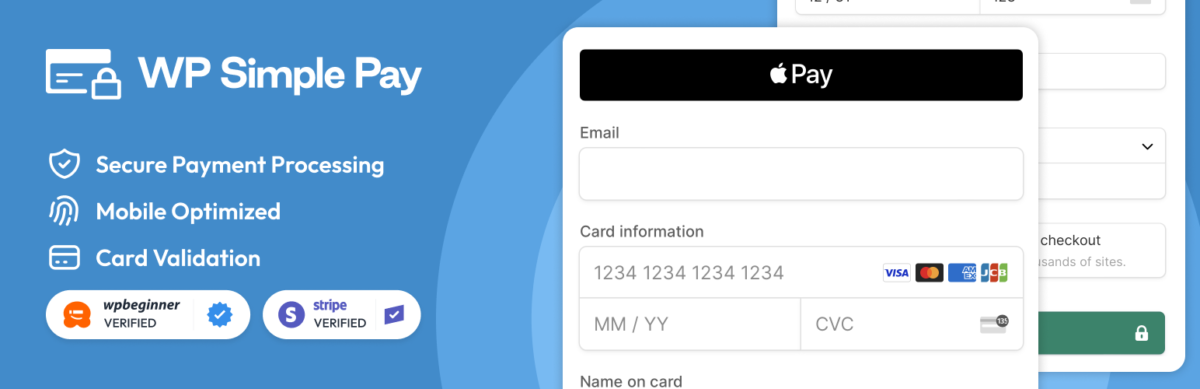
WP Simple Pay lets you create Stripe payment forms without the overhead of a full ecommerce system.
Perfect For:
- Consultants accepting deposits.
- Freelancers invoicing clients.
- Non-profits accepting donations.
- Service providers who need simple payment collection.
What I Love:
No shopping cart. No checkout page. Just a payment form that works.
Stripe integration that doesn’t suck. It’s the official Stripe-approved solution for WordPress.
What’s Missing:
It’s not for traditional product stores. If you need inventory management, shipping calculations, or a product catalog, look elsewhere.
9. SureCart – The New Kid That’s Really Good
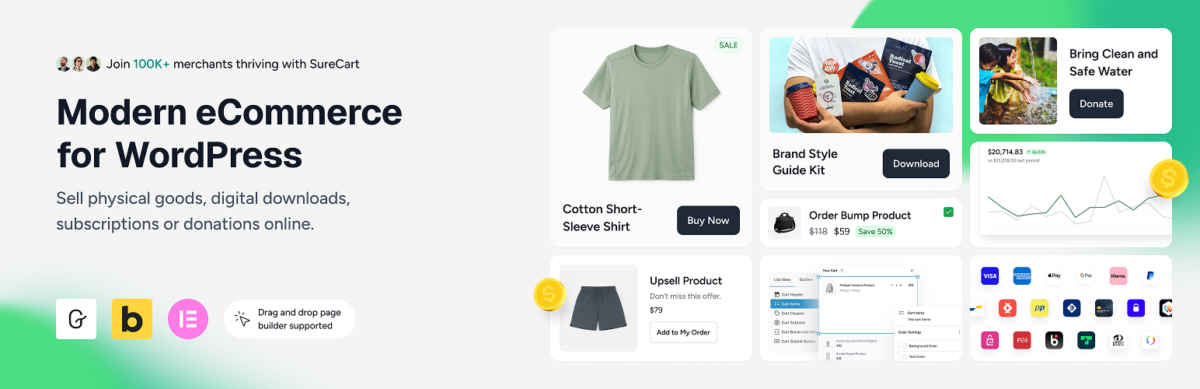
Pricing: Free Launch plan available (1.9% transaction fee) | Pro starts at $179/year for 1 store, $249/year for 5 stores, or $399/year for unlimited stores | Lifetime plans cost $599, $999, and $1,699, respectively.
SureCart is relatively new, but solving real problems in smart ways.
What Makes It Interesting:
Headless architecture that’s fast as hell. Your site doesn’t slow down from commerce overhead.
Built-in conversion optimization. Upsells, order bumps, and cart abandonment recovery included, not $$$ in extensions.
Clean, modern checkout that actually converts.
The Catch:
It’s newer, so the ecosystem isn’t as mature as WooCommerce or Easy Digital Downloads.
Some integrations you might need don’t exist yet.
Best For: People building new stores who want modern architecture without WooCommerce complexity.
10. WooCommerce Subscriptions – If You MUST Use Woo for Recurring Revenue

Pricing: $279/year
If you’re committed to WooCommerce and need subscriptions, this is the official solution.
Why It Works:
Handles recurring payments, free trials, signup fees, and subscription switching.
Integrates seamlessly with WooCommerce Payments and major payment gateways.
Why I Almost Didn’t Include It:
It’s expensive for what it does. $279/year for subscription functionality when MemberPress or Easy Digital Downloads include it.
Can be complex to set up correctly. Subscription billing is tricky, and WooCommerce Subscriptions doesn’t always make it easier.
Best For: Existing WooCommerce stores that need to add subscription products.
How to Choose (Lists Are Useless Without This)
I will be honest: the best ecommerce plugins 2026 depend entirely on what you’re selling and how you want to sell it.
Pick WooCommerce if: You need maximum flexibility, you’re comfortable with technical stuff (or willing to hire someone), and you want to avoid monthly platform fees.
Pick Easy Digital Downloads if: You’re selling digital products only and want a clean, focused experience.
Pick the Shopify Plugin if: You want reliability over customization and don’t mind monthly fees for peace of mind.
Pick BigCommerce if: You’re managing a complex catalog and need enterprise features without enterprise pricing.
Pick CartFlows if: You’re selling courses or digital products through sales funnels, not traditional stores.
Pick MemberPress if: You’re building a membership or subscription site with content restrictions.
Pick SureCart if: You’re starting fresh and want modern architecture without legacy baggage.
My Setup (Transparency Time)
Blog Recode uses… none of these for product sales, actually. I use Gumroad for small digital products because I don’t want to manage a store.
For client projects, it depends:
Physical product stores: WooCommerce with minimal plugins, hosted on WPX Hosting.
Digital product stores: Easy Digital Downloads.
Membership sites: MemberPress.
Simple payment collection: WP Simple Pay.
The tool matters less than picking one and learning it well.
Also read: What is Printify Pop-Up Store? (Your Free E-commerce Store)
Also Read: Soft-Sell Strategies for 2026: Selling Without Selling
What You Need To Know About Ecommerce Plugins
They all break sometimes. Payment gateways update. Plugins conflict. Hosting environments change. Budget time for maintenance.
Extensions add up fast. That $0 plugin might need $500 in extensions before it does what you need.
Checkout optimization matters more than features. A simple checkout that converts beats a feature-rich mess every time.
Support quality varies wildly. When shit hits the fan (it will), response time matters. Consider that in your decision.
Your hosting matters more than you think. The best ecommerce plugin won’t save you from garbage hosting.
Also Read: Best WordPress Hosting for Creators 2026 (Tested & Ranked)
Also Read: WordPress.com vs Self-Hosted WordPress: Which Wins 2026?
Mistakes I See Everyone Make

Installing too many plugins. Start minimal. Add features only when you need them.
Ignoring mobile experience. Over 60% of sales happen on mobile now. Test your checkout on phones.
Skipping backups. Before you update anything, back up your site. Seriously.
Choosing based on features you’ll never use. You don’t need 47 payment gateway options if you only accept credit cards.
Forgetting about transaction fees. That “free” plugin might cost you 3% per transaction through certain gateways.
Final Thoughts
The best ecommerce plugins 2026 aren’t the ones with the most features or the biggest marketing budgets.
They’re the ones that let you sell stuff reliably without making you want to quit the internet and become a goat farmer.
For most people reading this, WooCommerce or Easy Digital Downloads will do everything you need. They’re mature, well-supported, and extensively documented.
But don’t just take my word for it. Most of these have free versions or trials. Test them with your actual products. See what makes sense for YOUR workflow.
The best plugin is the one you’ll actually use and understand.
Now stop reading listicles and go build your store.
Want more honest reviews without the BS? Sign up for Blog Recode’s newsletter
FAQs
What’s the best free ecommerce plugin for WordPress in 2026?
WooCommerce and Easy Digital Downloads both have excellent free versions. WooCommerce is better for physical products or mixed inventories. Easy Digital Downloads is superior for digital-only stores.
Both require paid extensions for advanced features, but you can build functional stores with their free cores. The real costs come from hosting, payment gateway fees, and optional extensions.
Can I switch ecommerce plugins after launching my store?
Technically, yes, practically it’s painful. Migrating products, orders, and customer data between platforms ranges from tedious to nightmarish, depending on your catalog size. Some migration plugins exist, but expect to spend time cleaning data and testing everything.
If you’re considering a switch, do it before you have thousands of orders and hundreds of products. Better yet, choose carefully from the start.
Do I need coding knowledge to run an ecommerce plugin?
For basic stores, no.
Most modern ecommerce plugins 2026 handle simple product sales without code. However, advanced customizations, integration with specific payment gateways, or fixing conflicts often require technical knowledge or hiring a developer.
If you’re completely non-technical, consider managed solutions like Shopify Plugin or SureCart that handle more of the complexity for you.
Which ecommerce plugin is fastest for WordPress?
Speed depends more on your hosting, theme, and how many plugins you’ve installed than on the ecommerce plugin itself.
That said, Easy Digital Downloads is generally lighter than WooCommerce for digital products. SureCart’s headless architecture is designed for speed. BigCommerce and Shopify plugins offload processing to their servers, which can improve performance.
Test your specific setup with GTmetrix or PageSpeed Insights.
What’s the real cost of running a WooCommerce store?
Budget $200-$1,000 annually, minimum beyond hosting. This includes essential extensions for better checkout experiences, email marketing, improved shipping calculations, and security plugins. Premium themes run $50-$150.
Payment gateway fees are typically 2.9% + $0.30 per transaction. Hosting for ecommerce should be $20-$100/month, depending on traffic. Many WooCommerce stores cost more to run than Shopify’s $39/month plans once you add everything up.
Can I sell both physical and digital products on the same store?
WooCommerce handles this best since it’s designed for both. You can sell physical goods, digital downloads, and even subscriptions from one dashboard.
Easy Digital Downloads can technically sell physical products with extensions, but it’s awkward and not recommended. If you need a true mixed inventory, WooCommerce or BigCommerce are your best bets.
How do ecommerce plugins handle taxes and international selling?
Most plugins require tax calculation extensions or third-party services. WooCommerce has built-in tax settings, but they’re manual and tedious for multiple jurisdictions.
Services like TaxJar or Avalara integrate with major ecommerce plugins to automate this.
For international selling, consider BigCommerce or Shopify, which handle multi-currency better than native WordPress solutions. EU VAT, US sales tax, and international shipping regulations are complex regardless of your platform.
Which payment gateways work with WordPress ecommerce plugins?
Stripe and PayPal work with virtually all WordPress ecommerce plugins. WooCommerce Payments (powered by Stripe) integrates seamlessly with WooCommerce. Easy Digital Downloads supports Stripe, PayPal, and others through extensions.
Shopify and BigCommerce plugins use their respective payment systems. Choose your plugin partially based on which payment gateway you need. Some gateways only have extensions for specific plugins, so verify compatibility before committing.
Heads Up: Some links are affiliate links. If you buy through them, we earn a commission. If not, we’ll survive… but we’ll have to admire plugins from a distance like window shoppers.